News

The system on a chip (SoC) inside today's commercial displays can run what used to need a box behind every screen.
For years, it couldn't, at least not for anything serious. That's the reason media players became the default. Then, around 2020, the chip caught up. The industry's thinking, however, didn't. The old limits live on as myths, and so the box remains behind many screens.
When Lukas Danek, CPO of signageOS, walks customers through what modern SoC digital signage can do, the reaction is often the same from people still hooked up to the box: "There's another way to do it?"
There is. The screen is the player.
Ask around the industry and the same myths come up. Here's what the evidence says about each one.

SoC digital signage puts the player inside the screen
In SoC digital signage, the processor built into a commercial display runs the signage app directly. The screen is the player, and nothing sits behind it.
That changes the signal path. A screen driven by an external player depends on seven parts: the display, a video cable, the player, its power, its network connection, a cross cable, and a spare player for failover. An SoC display depends on one.
As Florian Rotberg wrote in an invidis opinion piece, "When a capable player is already built into the display, every additional hardware box has to justify its existence."
For a long time, older, less powerful chips gave the box that justification. In recent display generations, the math flipped. Across a typical multi-zone store, the extra hardware adds up to about 40 components per location, including 17 HDMI cables and 10 RS-232 runs. Taking it out saves about $5,000 per location per refresh cycle, a directional figure rather than a quote. Multiply it by your footprint.
The market is moving the same way. Amazon sells a 55-inch signage display that runs on its built-in chip, and invidis reports that it "eliminates the need for an external media player" and "boots directly into the customer's chosen CMS application." It's an entry-level display, sold in North America only for now, but the direction is hard to miss.
Fewer parts, fewer failure points
Start with failover. The myth is that SoC doesn't support it, but it gets the logic backwards. Failover exists to protect the parts a player adds: the box, its cables, its power, and the cross cabling between screens. If the chip driving the panel fails, the screen is dark either way.
Fewer parts means fewer failure points, and it holds at scale. In our case study, one of the world's largest digital signage deployments runs tens of thousands of Samsung and LG SoC displays at 99.99%+ uptime, up from about 93% when it ran about 1,500 devices.
Uptime like that also depends on knowing the moment something breaks. CloudControl by signageOS alerts the team when a screen goes down, and in that deployment 82% of issues were resolved remotely, without a site visit.
Modern HTML5 runs on modern SoC
Then there's the belief that content and HTML frameworks don't work on SoC. It started as a fact on older, less powerful chips, and it outlived them.
On the latest platform versions, mainstream HTML5 apps often run without any adjustment. Where they don't, current toolchains build for the platforms displays actually run, with polyfills and baseline build targets covering the gaps.
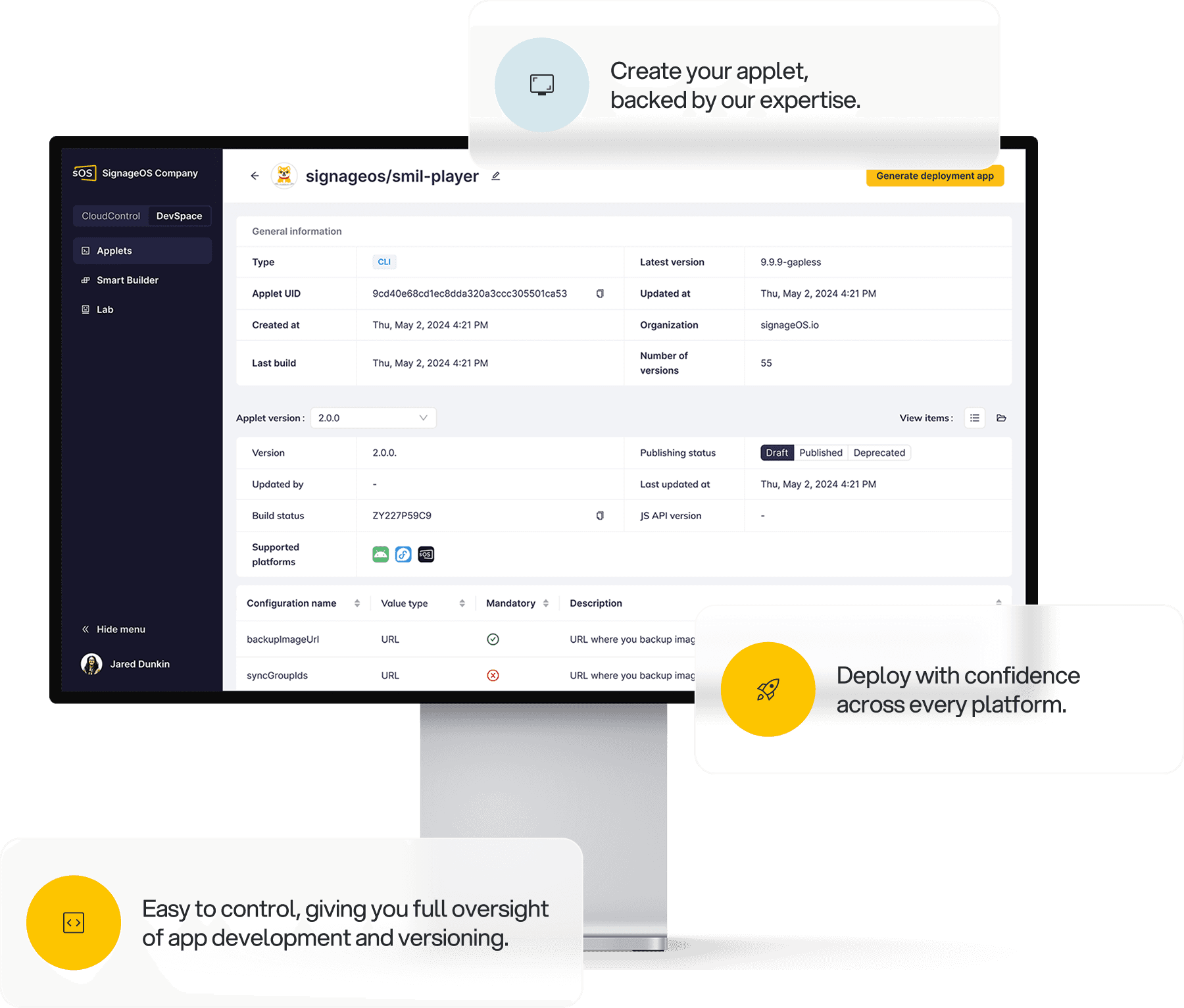
DevSpace by signageOS removes the per-platform work entirely. Developers build one HTML5 app, and it runs as a native client on 50+ hardware platforms. That leaves you free to choose screens on price, size, and availability, not on what your app can tolerate.
All 60 Test Scenarios passed on webOS 9.0 UP5Q
The most persistent misconception is that SoC can't handle video. That one deserves numbers. In the signageOS benchmark of LG's webOS 9.0 displays, the performance-tier UP5Q passed all 60 Test Scenarios, the first webOS model we've tested to pass every scenario. The mainstream-tier UH5Q passed 54 of 60, with its misses concentrated in UHD.
So the question isn't whether SoC can handle video. It's which tier your content needs. The results come from physical displays running the signageOS Core App, and other webOS applications may perform differently.
If you're specifying displays for your next refresh, the LG webOS 9.0 Performance Report shows what each tier handles and where it stops.

Future proof is the app layer, not a bigger box
The future-proofing worry goes like this: You can upgrade a player, but you can't upgrade the chip inside a screen. That assumes the future lives in the hardware. It lives in the app.
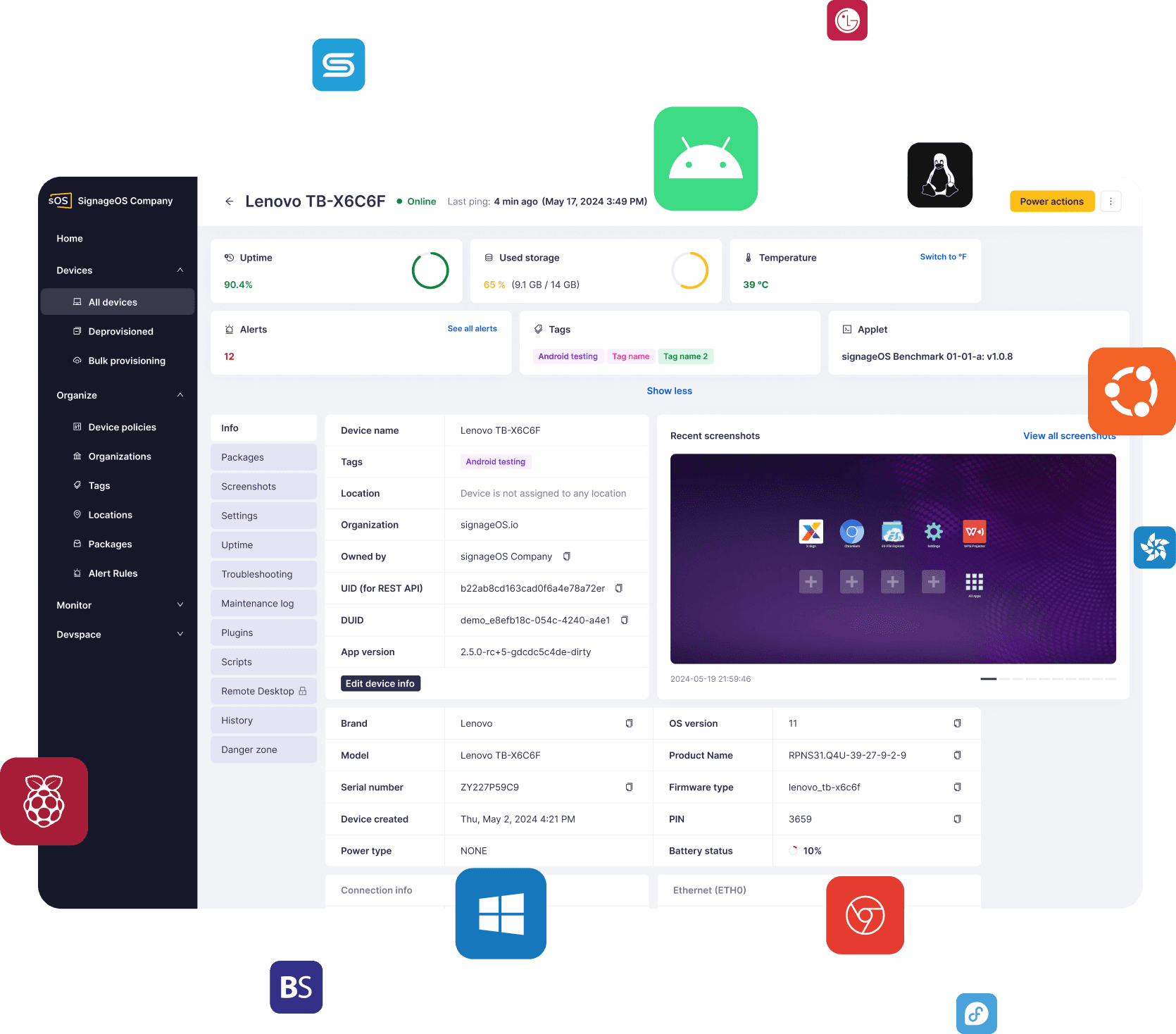
With DevSpace, the same app runs on the next display you buy. CloudControl runs the whole mixed fleet from one place, older screens and new ones. Hardware becomes a procurement decision instead of a software project.
The case study fleet was mixed by design, Samsung and LG side by side, and it runs at a near-zero failure rate.
Bring your own CMS to SoC
Another common assumption is that SoC ties you to the software that ships with the screen, and that software isn't enough to run a network. But you're not tied to it.
With signageOS as the infrastructure layer, the CMS you choose runs on the screen through an API, whether you license it from a partner or build it yourself. The CMS runs inside the signageOS Core App, alongside device management, so a single SoC display handles both. Any CMS works. One of the world's largest digital signage deployments built its own CMS on that same infrastructure. Keeping the layers separate is how you own your stack, not the complexity.
“We’re not against players. We’re against boxes that don’t need to be there. In many deployments, the screen now does the job on its own, and when it can, every extra device is just one more thing to buy, cable, and fix.”

Lukas Danek
CPO, signageOS
Lock it down, and verify it from the screen itself
The last misconception, still common in IT teams, is that SoC is a security risk. On an SoC display, lockdown is a matter of policy: Plug in a flash drive and the display won't listen. Set that policy once in CloudControl and it holds across a mixed fleet.
Verification gets simpler too. A player is one step removed from the panel, so its screenshot shows what the player sent. On an SoC display, the screenshot comes from the screen itself. Content Guard by signageOS uses it to check what every screen is actually showing, which is why content verification belongs in your device management stack.
Older screens can still show modern content
Some installations still need more compute than a screen carries: panels with older, less powerful chips, and content heavy enough to outrun the display. Those screens often get replaced not because they fail, but because they can't keep up with the content.
Supra by signageOS changes that. One server on site renders the experience and delivers it over the network to every screen, instead of a player cabled to each one. Older displays can then show what they were never built for, from simultaneous video streams to interactive, AI, and 3D experiences. The screens you already own keep up for years longer.
Count what's behind your screens
The chip caught up. The box never got the memo.
Start with one location. Count the parts behind each screen. Ask what each one does that the screen can't. If the answer is nothing, pull the plug.
If your count is higher than it should be, talk to our team. We'll show you what that location looks like without a box behind every screen, and how it can scale across your network.
Frequently asked questions
What is SoC digital signage?
SoC digital signage runs content on the system on a chip built into a commercial display, so the screen itself is the player. There's no external media player, extra cabling, or separate power supply behind it. Content and updates reach the screen over the network.
Does SoC support failover?
It doesn't need the player model's failover. That failover exists to cover the parts an external player adds, such as the box, its cables, and the cross cabling between screens. With one part in the signal path there's far less to fail over, and if the chip driving the panel fails, the screen is dark either way.
Can SoC displays play synchronized UHD video?
Yes, if you choose the right tier. In signageOS testing, the LG UP5Q passed all 60 Test Scenarios, including synchronized playback and UHD video. The LG webOS 9.0 Performance Report has the full results for each tier.
Is an SoC display future proof?
Yes, when the app is decoupled from the hardware. Future proofing lives in the app layer: When the same app runs on the next display generation, replacing a screen becomes a procurement decision rather than a software project.
Do SoC displays have enough storage for digital signage content?
For most signage content, yes. Storage used to be a real limit on older displays, but current commercial SoC displays hold typical playlists of images, video, and HTML5 apps. Check the storage spec against your heaviest playlist before you buy.