Product
Content Guard
Content Guard

Content Guard triggers alerts to keep
every device performing as expected.
Content Guard triggers alerts to keep every device performing as expected.
Content Guard triggers alerts to keep every device performing as expected.
No credit card required
Cancel anytime


Security compliance
SOC 2 Type II & ISO 27001
Trusted by leading businesses worldwide








AI sees it before
anyone else does
Instead of relying on humans to check screenshots manually, Content Guard uses AI to catch issues that would otherwise go unnoticed. It detects visual disruptions and triggers alerts, ensuring consistent, reliable content across your network.
How Content Guard works
1
1
Screenshot capture
Screenshot capture
Screenshot capture
Devices send screenshots periodically
Devices send screenshots periodically
2
2
Real-time classification
Real-time classification
Real-time classification
Content Guard instantly categorizes each screenshot
Content Guard instantly categorizes each screenshot
3
3
Alerting
Alerting
Alerting
Receive notifications when visual anomalies are detected
Receive notifications when visual anomalies are detected

Manage even the largest networks with peace of mind and minimal hands-on intervention.
Manage even the largest networks with peace of mind and minimal hands-on intervention.
Manage even the largest networks with peace of mind and minimal hands-on intervention.
What Content Guard detects
Issues flagged — without touching a single device.

Blank screen
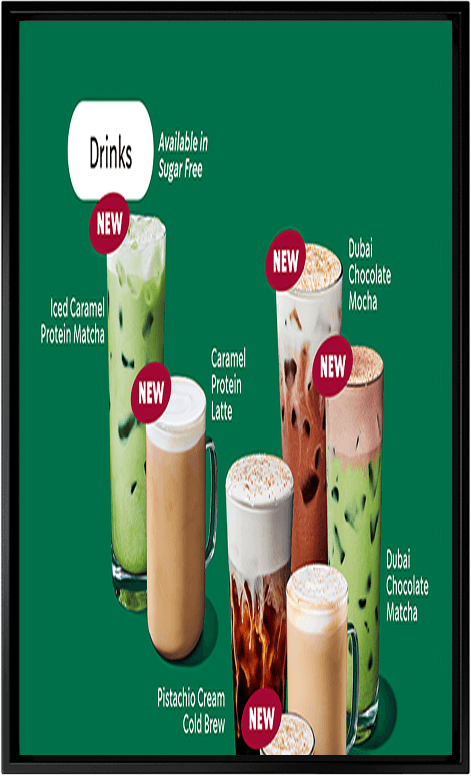
Distorted layout
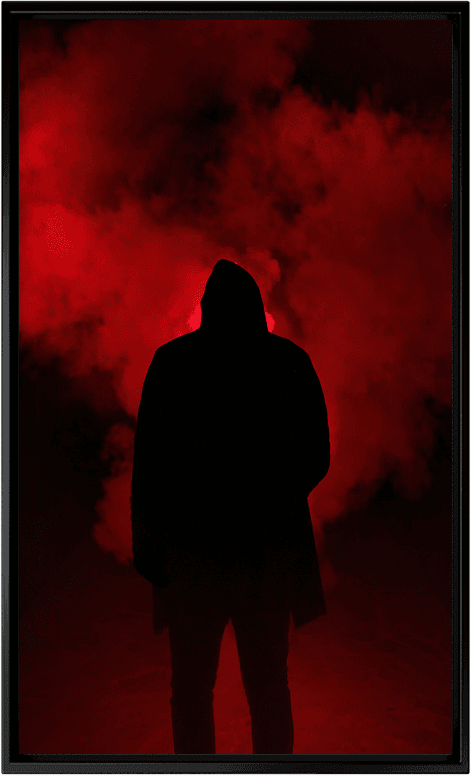
Suspicious content
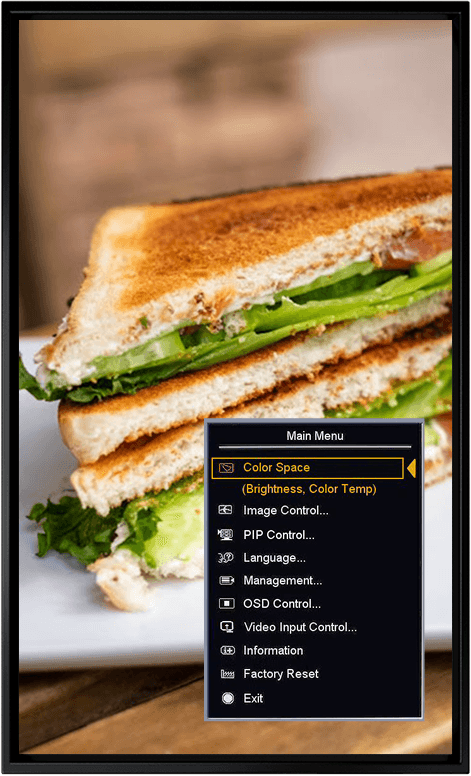
System menu
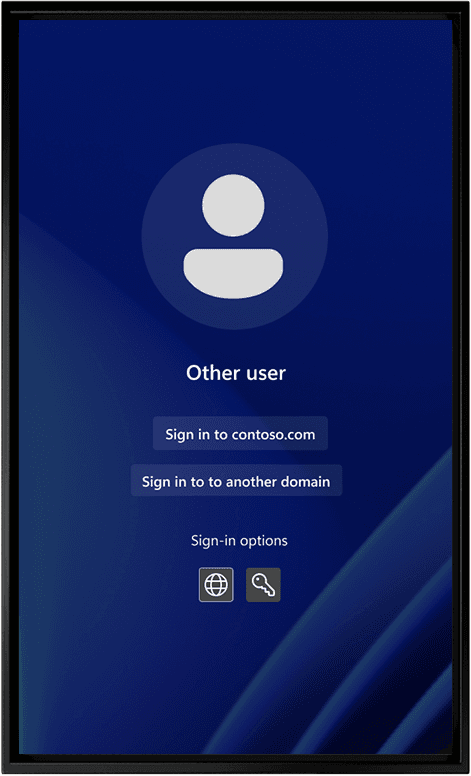
Windows screen

Expected content
Two levels of intelligence
Content Guard is available in two tiers, designed to scale with your needs.
Standard
The standard tier includes:
Image-based content validation
Manual image uploads
Search by name, organization, category, or tag
Standard
The standard tier includes:
Image-based content validation
Manual image uploads
Search by name, organization, category, or tag
Premium
Everything in the standard tier, plus:
Create prompts to contextualize your images
AI Prompt Helper for faster, more consistent prompt creation
Support for positive and negative prompts
Premium
Everything in the standard tier, plus:
Create prompts to contextualize your images
AI Prompt Helper for faster, more consistent prompt creation
Support for positive and negative prompts
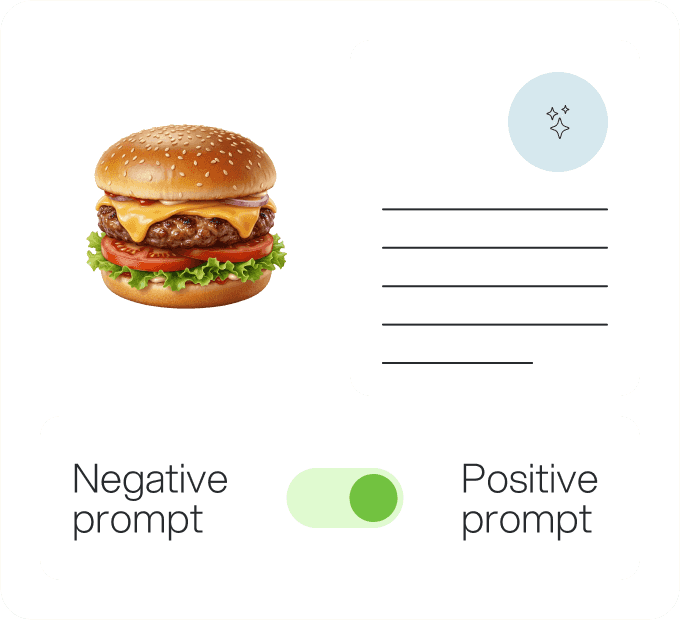
AI Prompt Helper
Create smarter prompts, faster
AI Prompt Helper streamlines how teams define and scale content validation rules.
Use a reference images to generate a structured description, accelerating setup and reducing guesswork
Positive or negative prompts enable precise detection
Faster onboarding, more consistent rules, and less manual effort
AI Prompt Helper
Create smarter prompts, faster
AI Prompt Helper streamlines how teams define and scale content validation rules.
Use a reference images to generate a structured description, accelerating setup and reducing guesswork
Positive or negative prompts enable precise detection
Faster onboarding, more consistent rules, and less manual effort
AI Prompt Helper
Create smarter prompts, faster
AI Prompt Helper streamlines how teams define and scale content validation rules.
Use a reference images to generate a structured description, accelerating setup and reducing guesswork
Positive or negative prompts enable precise detection
Faster onboarding, more consistent rules, and less manual effort
Stay ahead of visual disruptions
Content Guard automatically detects visual disruptions across your signage network and triggers alerts, so your team can focus on strategy, not manual checks.

Stay ahead of visual disruptions
Content Guard automatically detects visual disruptions across your signage network and triggers alerts, so your team can focus on strategy, not manual checks.
Stay ahead of visual disruptions
Content Guard automatically detects visual disruptions across your signage network and triggers alerts, so your team can focus on strategy, not manual checks.
Stay ahead of visual disruptions
Content Guard automatically detects visual disruptions across your signage network and triggers alerts, so your team can focus on strategy, not manual checks.