Articles

I went through everything we shipped since July. Release by release, it looks like a long list. Grouped by what changed for the people who run the screens, it is four things.
Fewer trips to site
A lot of site visits are for something small, like a display that did not wake up after a power outage. LG and Samsung displays can now get our recommended production settings remotely, wake-on-LAN included. Reboot and screen-on are typed commands in Command Center. Nobody has to drive out for those anymore. Solution Hub is now open to every organization. It has ready-made scripts and alert rules you can install in a few clicks, without writing code.
Signage that fits into IT
Screens are finally treated as IT endpoints, so they should report into the tools IT already runs. When an alert rule fires, a ServiceNow incident can now open on its own, in the same queue as every other incident. Anything you can see in CloudControl, your own systems should be able to get as well.
Hearing about problems first
Many teams still learn about a broken screen from a store manager or a customer. Alerts now watch CPU and memory, by default above 90%, so a struggling player gets flagged early.
More hardware
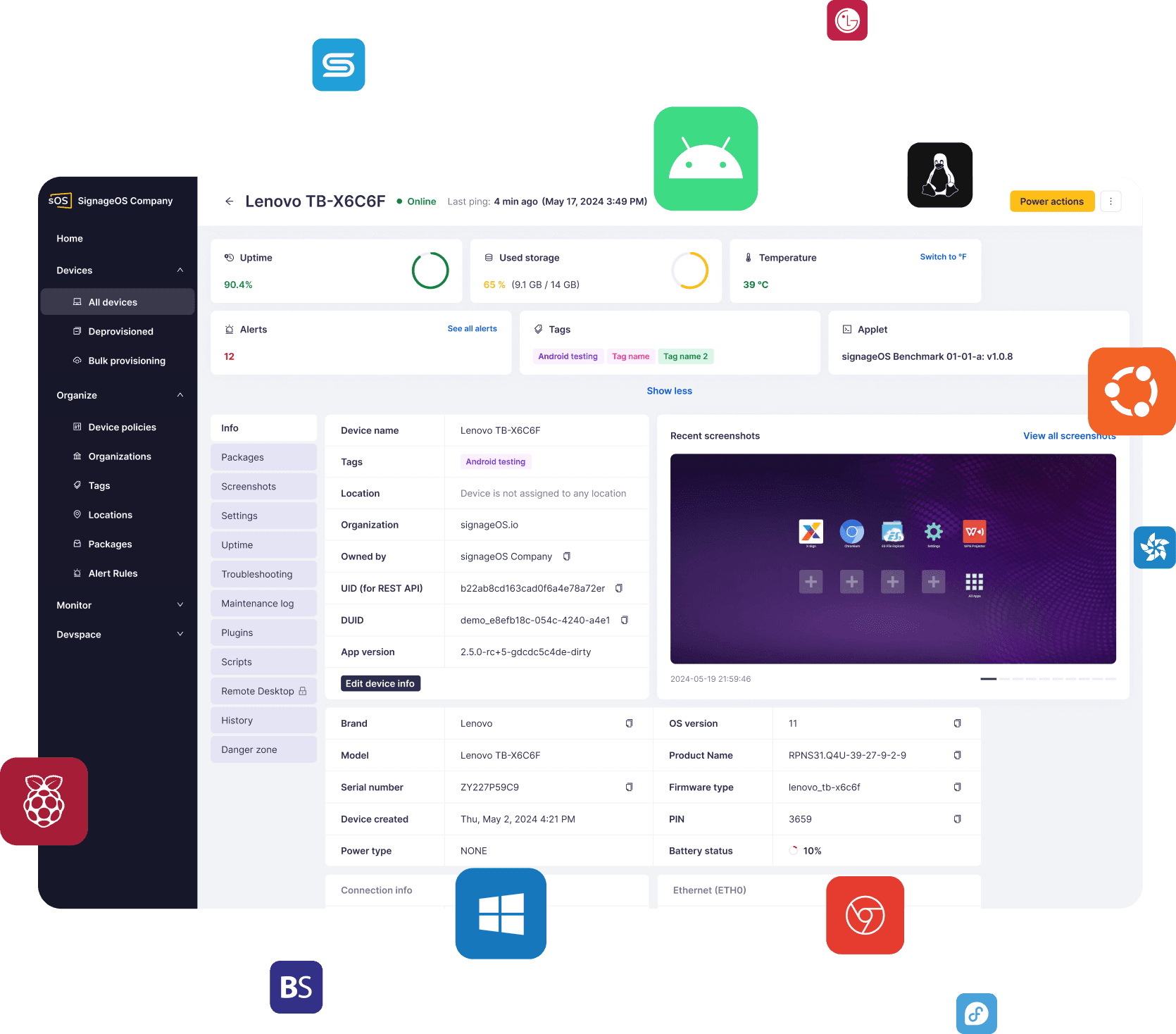
We added Cisco Vision players and more LG and ViewSonic displays. We now support 50+ hardware platforms. The goal has not changed. You build once, it runs on all of them, and you pick the next device on its merits.
Why we build it this way
A typical screen network grows over many years. It mixes brands and hardware generations, and each one has its own system and its own update schedule. The screens sit in stores, restaurants or airports, far from anyone in IT. The business still expects every one of them to work, every day.
That is the need signageOS was built for. We sit between your software and your screens. Your software talks to one set of APIs, and we take care of each device underneath. You see and manage every screen in one place, whoever made it. You can add new hardware or change your software without starting over, and the choice of both stays yours.
Everything above is the same idea, applied again.
Where it goes next
We plan by priorities, and each piece ships when it is ready to run on real screens. Right now the priorities are:
Apple devices
Apple approved signageOS as an MDM provider, so iPads used as kiosks will sit in CloudControl next to the rest of your screens.
AI
We are building an MCP server, so AI assistants and your own automations can work with your fleet. MCP is the open standard many AI assistants use to connect to software. We want ours to become the standard MCP server for digital signage, with the broadest set of tools, skills, and data access in the industry.
Alerts that act
Alert rules will be able to trigger an action when they fire. This is the base for self-healing and auto recovery: a screen that hits a known problem runs its own fix, before anyone has to report it.
If something you need is missing, write to me at product@signageos.io.
Kudos to the team who shipped all of this.
Lukas Danek, Co-founder and CPO, signageOS
Apple and iPad are trademarks of Apple Inc., registered in the U.S. and other countries and regions.