Your iPad kiosks and your screens, in one console

Your iPad kiosks and your screens, in one console

News

iPad kiosk and digital signage display managed in the same CloudControl device list

Our own MDM for iPad, working with Apple Business, in the same console as your displays.

Screens are rarely the only devices on a site. An iPad at the counter takes orders. One by the entrance checks visitors in. Another on the shop floor answers product questions. CloudControl now manages those iPad devices alongside your displays, through our own MDM service, which works with Apple Business. It installs and locks the signageOS player, so your signage apps run on the iPad the same way they run on your screens. It can also deploy and lock third-party apps, such as an ordering or check-in app.

Signage apps on iPad often need a separate MDM from another vendor to install them and lock them into kiosk mode, or Guided Access set up by hand on each device. If your iPad devices sit in a separate tool today, a problem at a site means checking two places. It also means two sets of logins, policies and updates to keep in line. With the MDM built into CloudControl, every device on the site sits in one fleet view, so your team works from one list.

Three steps: assign the iPad in Apple Business, our MDM in CloudControl sets it up on first start, and it stays locked to its kiosk app after a restart


What you can do

  • Zero-touch setup through Apple Business. Assign new iPad devices to signageOS in Apple Business. They enroll and install their app on first start, with no cable and no manual setup.

  • The signageOS player or a third-party app. Deploy our player or another app, such as an ordering or check-in app, to the iPad devices that need it.

  • Kiosk lock. The iPad stays locked to the signageOS app or a third-party app, also after a restart.

  • On-site maintenance mode. A technician unlocks the iPad for 30 minutes with a gesture and the device PIN, and it locks again on its own.

  • iPad devices next to your displays. The same device list in CloudControl, with an iPadOS label and a platform filter.


Who it's for

  • Operators who run iPad kiosks at counters, entrances or on the shop floor

  • Integrators and partners who deploy iPad devices for their clients

  • Software partners whose app runs on iPad as well as on screens


How it fits

It's the same principle we apply to every screen: you choose the hardware and the software, and CloudControl keeps the devices under control. iPad is one more device type in that estate. The MDM is ours. We built it and we run it, so iPad management is part of CloudControl, not a link to another vendor's tool.


“Our customers do not run only screens. The iPad at the counter is part of the same site, so it should be part of the same console.”


Availability

The full launch is in Q4 2026. If you run iPad kiosks and want to be among the first, talk to us.

Talk to us about iPad management: sales@signageos.io

Apple, iPad and iPadOS are trademarks of Apple Inc., registered in the U.S. and other countries and regions.
Explore our products

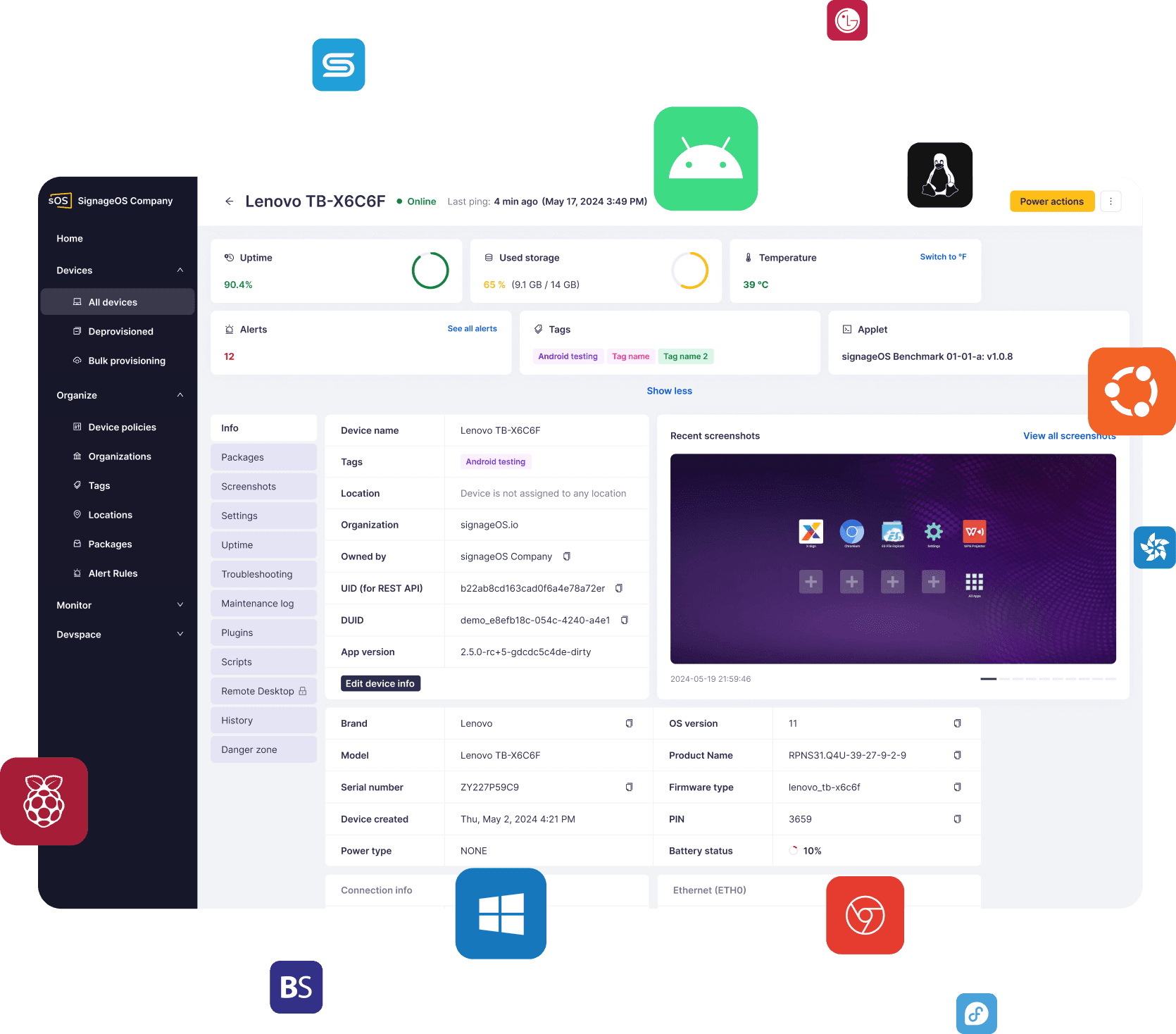
CloudControl

Real-time device management and monitoring for 50+ hardware platforms in a single unified tool. The single pane of glass you’ve been waiting for!

CloudControl

Real-time device management and monitoring for 50+ hardware platforms in a single unified tool. The single pane of glass you’ve been waiting for!

CloudControl

Real-time device management and monitoring for 50+ hardware platforms in a single unified tool. The single pane of glass you’ve been waiting for!

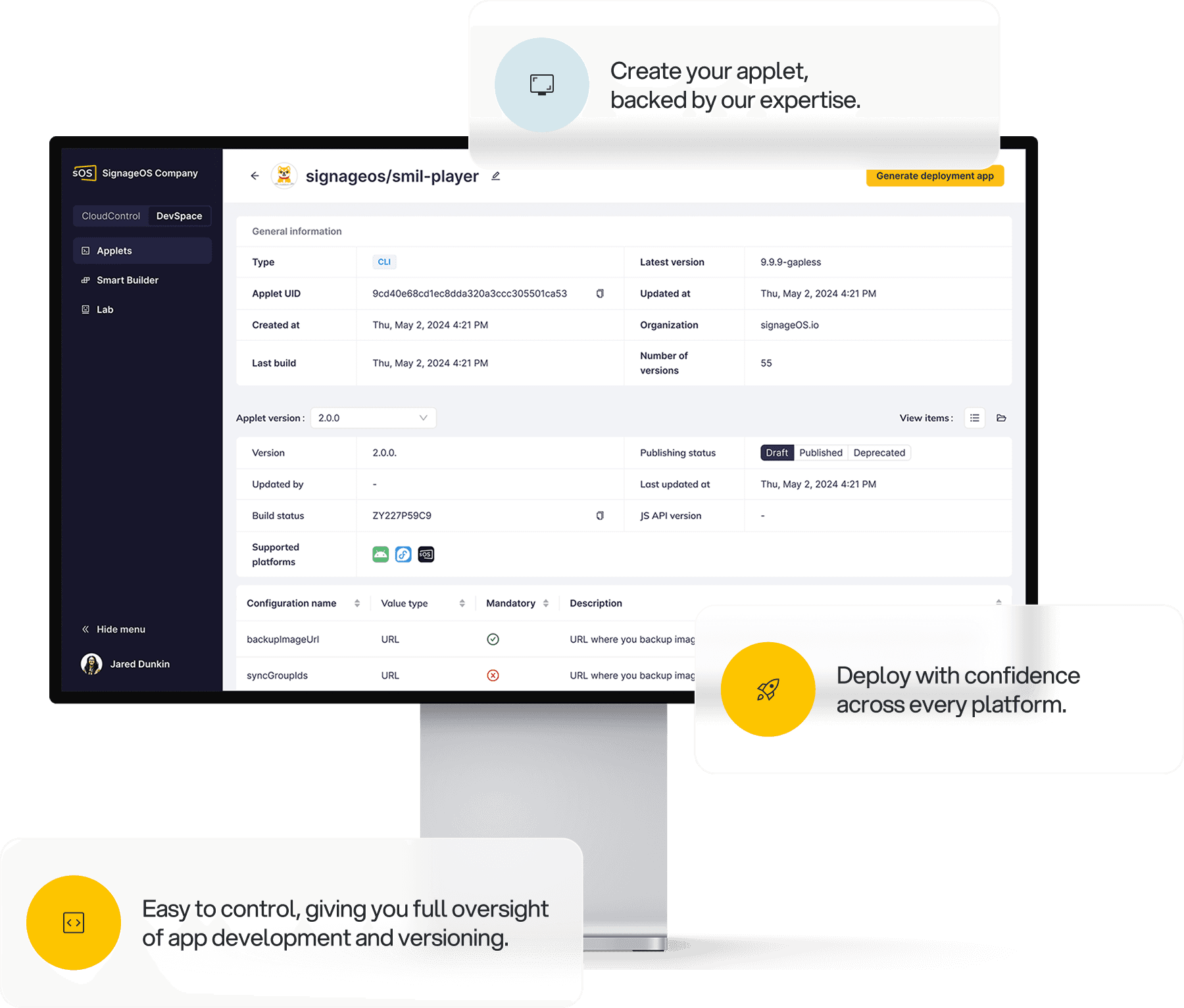
DevSpace

Turn your HTML5 app into a native client for 50+ digital signage platforms and operating systems with a single click. No more hassle with hardware compatibility of your code.

DevSpace

Turn your HTML5 app into a native client for 50+ digital signage platforms and operating systems with a single click. No more hassle with hardware compatibility of your code.

DevSpace

Turn your HTML5 app into a native client for 50+ digital signage platforms and operating systems with a single click. No more hassle with hardware compatibility of your code.

Subscribe to our newsletter!

Join our newsletter to receive the latest innovations, expert insights and industry-leading tips from signageOS.

Subscribe to our newsletter!

Join our newsletter to receive the latest innovations, expert insights and industry-leading tips from signageOS.

Subscribe to our newsletter!

Join our newsletter to receive the latest innovations, expert insights and industry-leading tips from signageOS.

Subscribe to our newsletter!

Join our newsletter to receive the latest innovations, expert insights and industry-leading tips from signageOS.

Ready to jump in?

Start your 30-day free trial and explore how signageOS products can help you with everyday operations.

We help companies build out-of-the-box solutions for digital signage networks based on scalable and secure infrastructure.

Copyright © 2026 All rights reserved by signageOS

Ready to jump in?

Start your 30-day free trial and explore how signageOS products can help you with everyday operations.

We help companies build out-of-the-box solutions for digital signage networks based on scalable and secure infrastructure.

Copyright © 2026 All rights reserved by signageOS

Ready to jump in?

Start your 30-day free trial and explore how signageOS products can help you with everyday operations.

We help companies build out-of-the-box solutions for digital signage networks based on scalable and secure infrastructure.

Copyright © 2026 All rights reserved by signageOS

Ready to jump in?

Start your 30-day free trial and explore how signageOS products can help you with everyday operations.

We help companies build out-of-the-box solutions for digital signage networks based on scalable and secure infrastructure.

Copyright © 2026 All rights reserved by signageOS