Product Updates

Greetings,
This issue's product updates, at a glance:
Timers and reboots at a glance — a device's whole schedule and warnings on one screen
Screen orientation for CloudControl on Tizen — set it from Box, no reboot
Clocks change this weekend and next — check timezone and NTP before daylight saving time ends
CloudControl snippet without an organization — one build for every customer
Display power over HDMI-CEC on BrightSign — the display itself follows your timers over HDMI
⚠️ Also: an IMPORTANT NOTICE about new regional network endpoints and requirements.

Timers and reboots at a glance
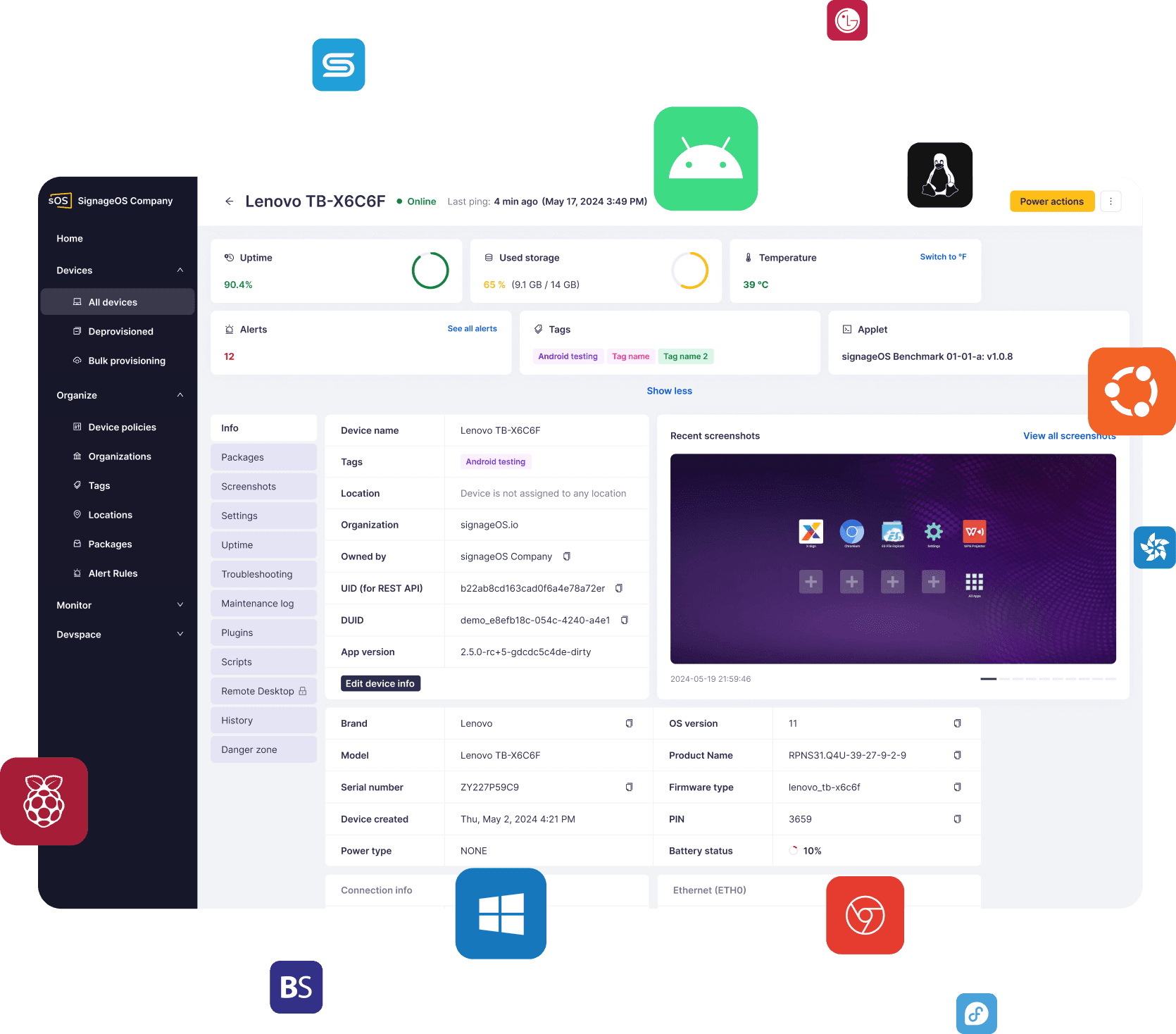
The device Settings tiles now show more. Proprietary timers, Native timers and Scheduled reboots list their schedule day by day, with matching days grouped, for example "Mon–Fri 07:00–19:00".
What's new:
Week view — a List / Week switch shows one bar per day
Device policies — the same day-by-day summary
Warnings — incorrect device time, outdated or deprecated Core App, available firmware update, failed Managed App installation, timers that failed to save
Why it matters: If you manage devices in Box, you no longer open each setting to check a schedule or spot a problem. It's all on one screen.

Screen orientation for CloudControl on Tizen
You can now set landscape or portrait orientation from Box on Samsung Tizen devices running the CloudControl snippet. There's no reboot, and the setting stays after a restart. Your application's own video isn't rotated, and the on-screen menu keeps its default orientation.
Why it matters: If you run the CloudControl snippet on Tizen, changing orientation no longer needs a site visit.
Availability: Requires Tizen Core App 2.13.0.
Open the Tizen 2.13.0 changelog →

Clocks change this weekend and next
Daylight saving time ends on 25 October in Europe and 1 November in the US and Canada. Devices switch on their own if they have a timezone and an NTP server set. The Timezone and NTP server item in a Device Policy covers the whole fleet.
What to check:
Timezone — use a name such as Europe/Prague, not an offset such as +02:00
Samsung Tizen — set an NTP server with the timezone, or daylight saving time stays off
Timers and power actions — they follow local time, so avoid 01:00–03:00 on the night of the change
Alert rules — time windows are in UTC and don't move, so check them after the switch
Why it matters: If a device has the wrong timezone, or a Samsung Tizen display has no NTP server, its timers run an hour off after the change. An Incorrect time alert flags devices whose clock or timezone doesn't match what you set.

CloudControl snippet without an organization
You can now start the CloudControl snippet without an organization ID. The device registers as unverified, and you assign it later with bulk provisioning by hardware serial number.
Why it matters: If you build applications with the CloudControl snippet, one build now works for every customer. You decide where each device belongs after it's installed.
Availability: Requires Tizen Core App 2.13.0 or webOS Core App 2.12.0.
Open the snippet provisioning guide →

Display power over HDMI-CEC on BrightSign
You can now turn the connected display on and off from a BrightSign player over HDMI-CEC, with proprietary timers and display power commands.
What's new:
On — wakes the display, switches to the player's input and sets the timer volume (if above 0)
Off — puts the display into standby
CEC must be enabled on the display. Most professional displays ship with it off.
Why it matters: If you run BrightSign players, the display itself now turns on and off with your timers, over the HDMI cable you already have.
Availability: Requires BrightSign Core App 2.6.0.
Enable HDMI-CEC on your display →

⚠️ IMPORTANT NOTICE ⚠️
New regional network endpoints and requirements
New regional device gateways are being rolled out to improve the platform's performance, reliability, and scalability.
All devices will now connect through these regional gateways. If you haven't already updated your network and firewall configuration to allow the required regional endpoints, please do so as soon as possible to avoid connectivity issues.
If you have any questions or need help preparing your environment, contact the signageOS Support team.