Product Updates

Here's what's new this week! 💫
CoreApp & firmware picker: paste and deploy any specific version, no special access needed.
Device plan history: a full audit trail of who changed a device plan, and when.
Content Guard templates: pre-built, pre-tested detection rules you can apply in one click.
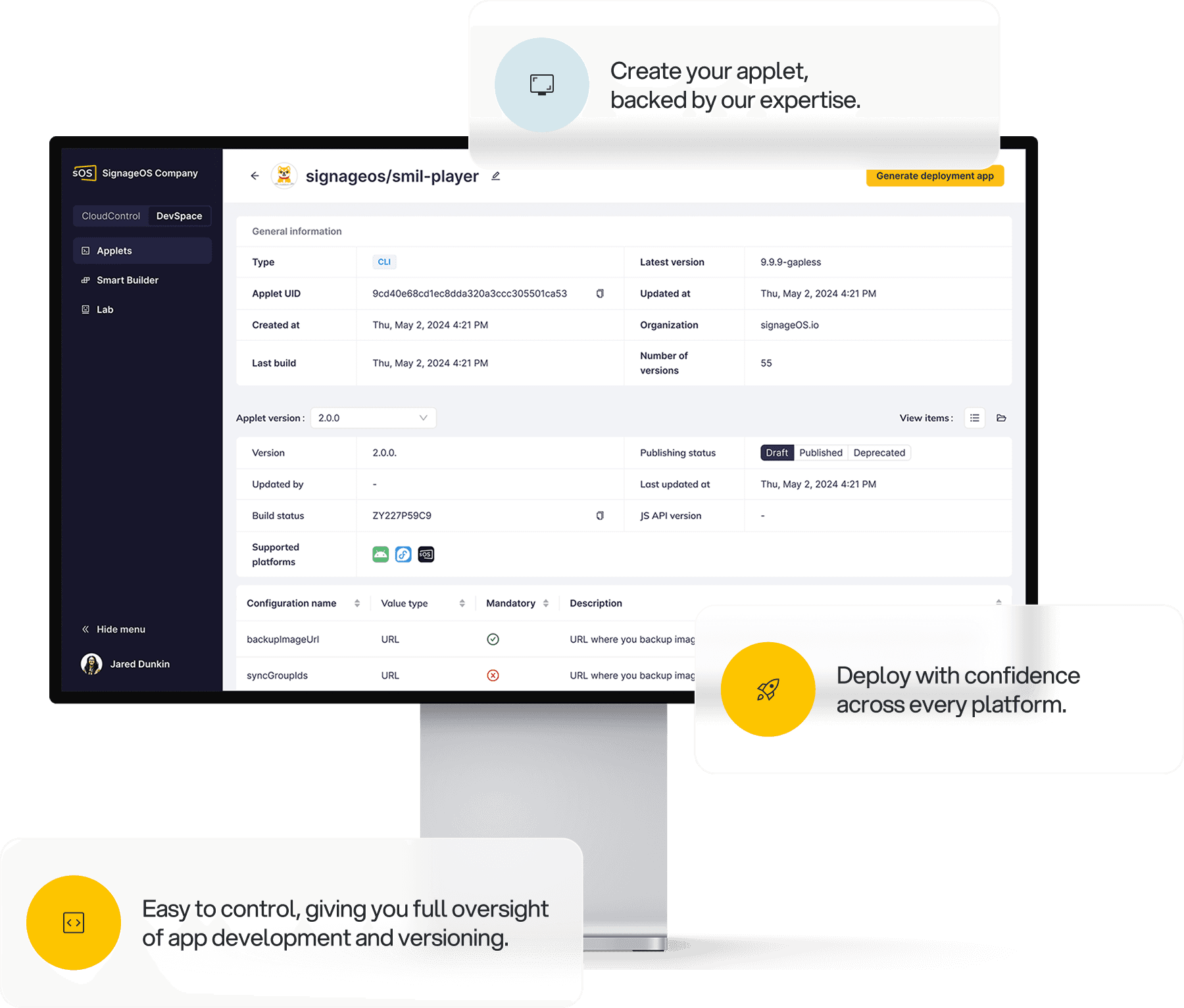
Applet version lifecycle: publish, deprecate, and renew applet versions over the API and CLI.
For more updates on the latest features, please check our Changelogs.
Deploy any CoreApp or firmware version directly
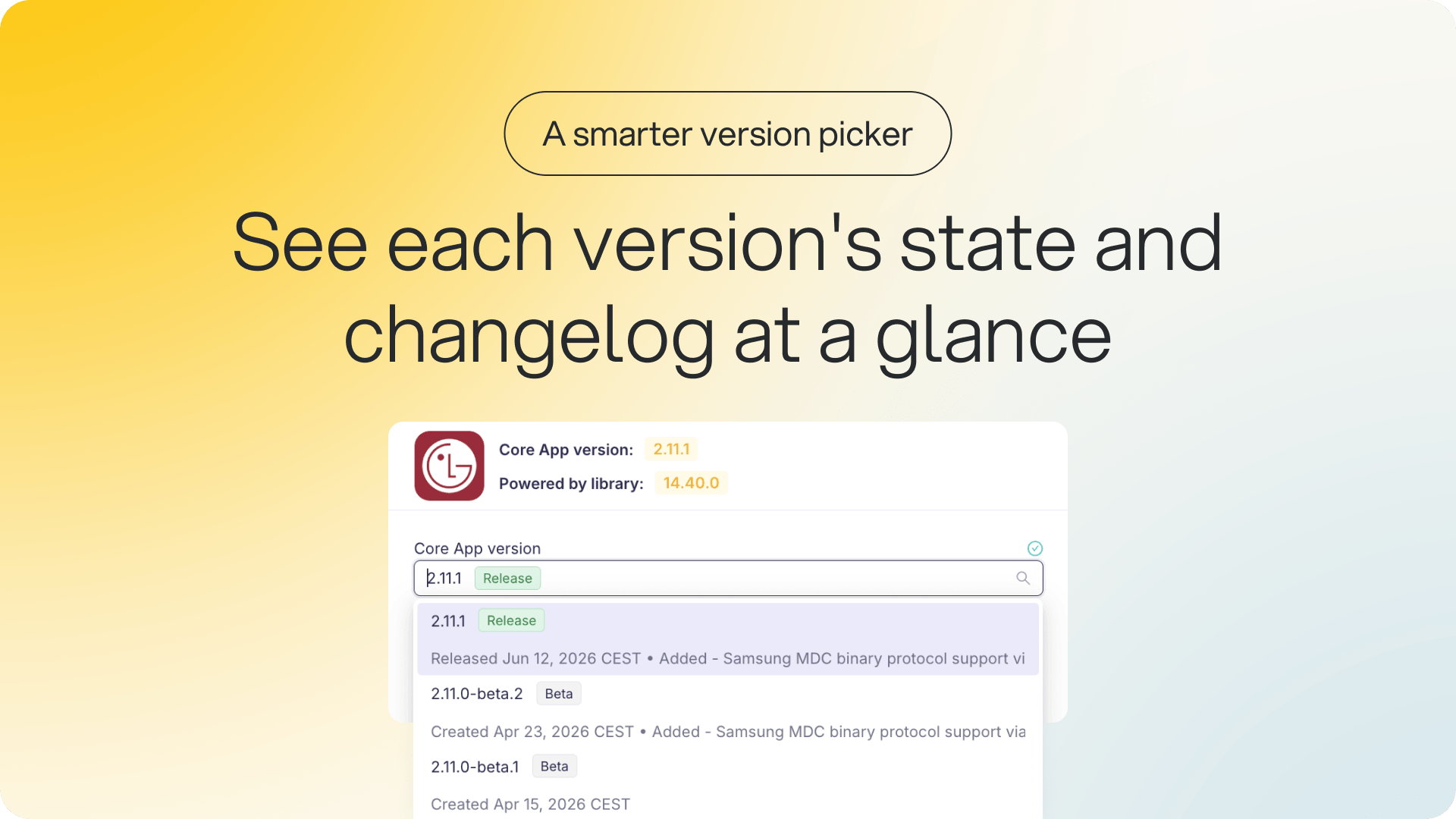
The CoreApp and firmware version picker has been redesigned across Box. The dropdown still shows published versions by default, but you can now paste any specific version straight into the field, and if it exists, it's accepted and applied. This affects anyone who deploys CoreApp or firmware versions.
Why it matters: You no longer need special access to deploy a specific pre-release or beta version that our team has shared with you. You can apply it yourself, in every place versions are set.
It works in device settings, the bulk action wizard, device policies, Smart Builder, and applet detail (Front-Applet versions).
Versions are labeled by type (release, release candidate, beta), a “latest” tag marks the most recent, versions are ordered by semver with the newest first, and the changelog is one click away.
See who changed a device plan, and when
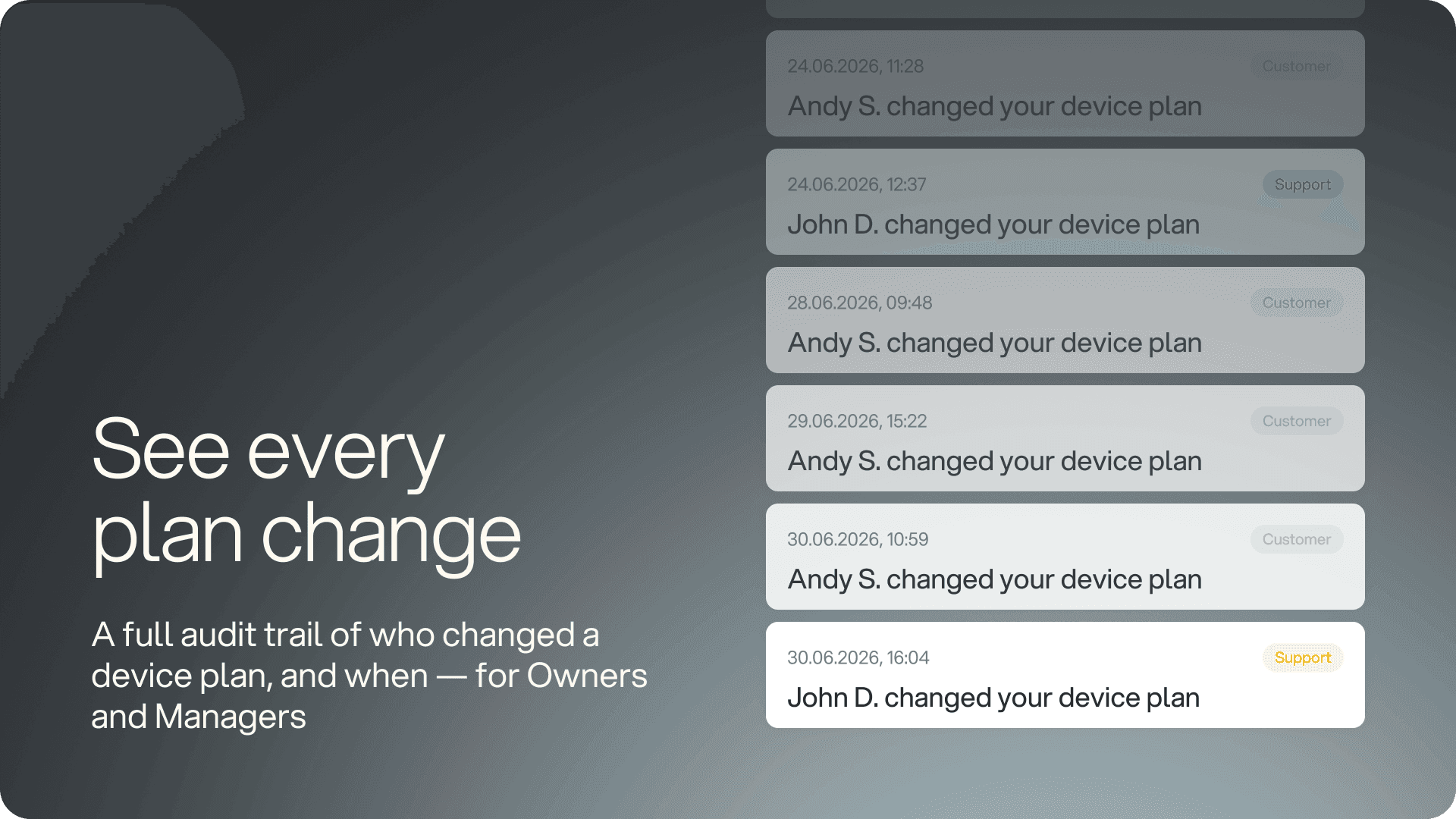
Device plan changes on an organization are now fully tracked. Every change records who made it, when it happened, and a full snapshot of the plan at that moment. A new “Device plan history” card lives on Organization detail, under the Device Plan tab, and is visible to Owners and Managers.
Why it matters: When a plan changes, you can see exactly who changed it and what the plan looked like at the time, instead of trying to reconstruct it after the fact.
The full history is listed newest first, with clear attribution for each change, whether it was made by a user or a support account.
Plan snapshots are kept even if the plan is later removed from the company offering. New organizations record history immediately, and older organizations start from a clean empty state.
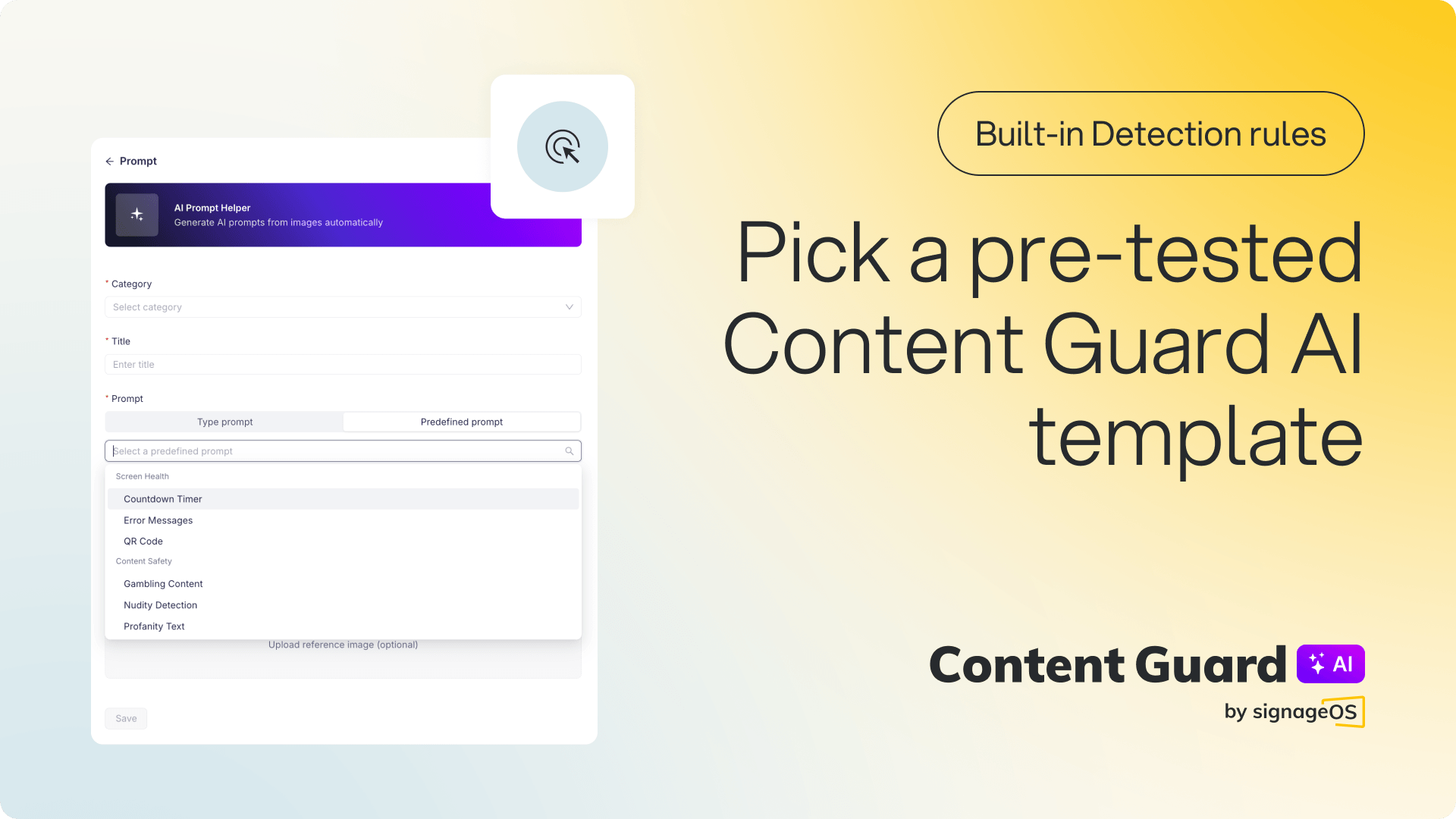
Pre-built prompt templates in Content Guard AI
Part of AI Content Guard.
When you set up screen monitoring, you can now choose from a library of ready-made, pre-tested detection templates instead of writing prompts from scratch. Select a category from the “Pre-defined Prompts” menu when adding a new Content Guard prompt, and the prompt is filled in with an optimized detection rule. This is for organizations using Content Guard.
Content Safety: detect nudity, violence, profanity, or gambling content on screen.
Compliance: catch religious symbols, political content, or missing legal disclaimers.
Screen Health: spot error messages, QR codes, or countdown timers.
Why it matters: You get a working detection rule without trial and error, and you can still write a fully custom prompt whenever you need something specific.
Availability: rolling out over the coming week.
Manage applet version lifecycle over the API and CLI
You can now publish, deprecate, and renew applet versions directly through the REST API and CLI, without going through Box. Each applet version carries a status field (draft, published, or deprecated) so you always know where it stands, and transition guards prevent invalid changes, such as publishing a version that hasn't been built successfully.
Why it matters: If you manage applets at scale across many organizations, you can handle version state programmatically instead of doing it by hand in Box.
New endpoints:
…/publish marks a built version as live
…/deprecate retires a broken or outdated version
…/renew brings a deprecated version back.