Product Updates

Here's what's new this week! 💫
This week, you get real-time event streaming to your own backend, full telemetry history on any device, an easy way to spot devices with the wrong time, a new feature entitlements system showing what your plan includes, the latest BrightSign and Android core app releases, and a final reminder about our regional device gateway migration.
For more updates on the latest features, please check our Changelogs.
Final Reminder: Regional Device Gateway Migration
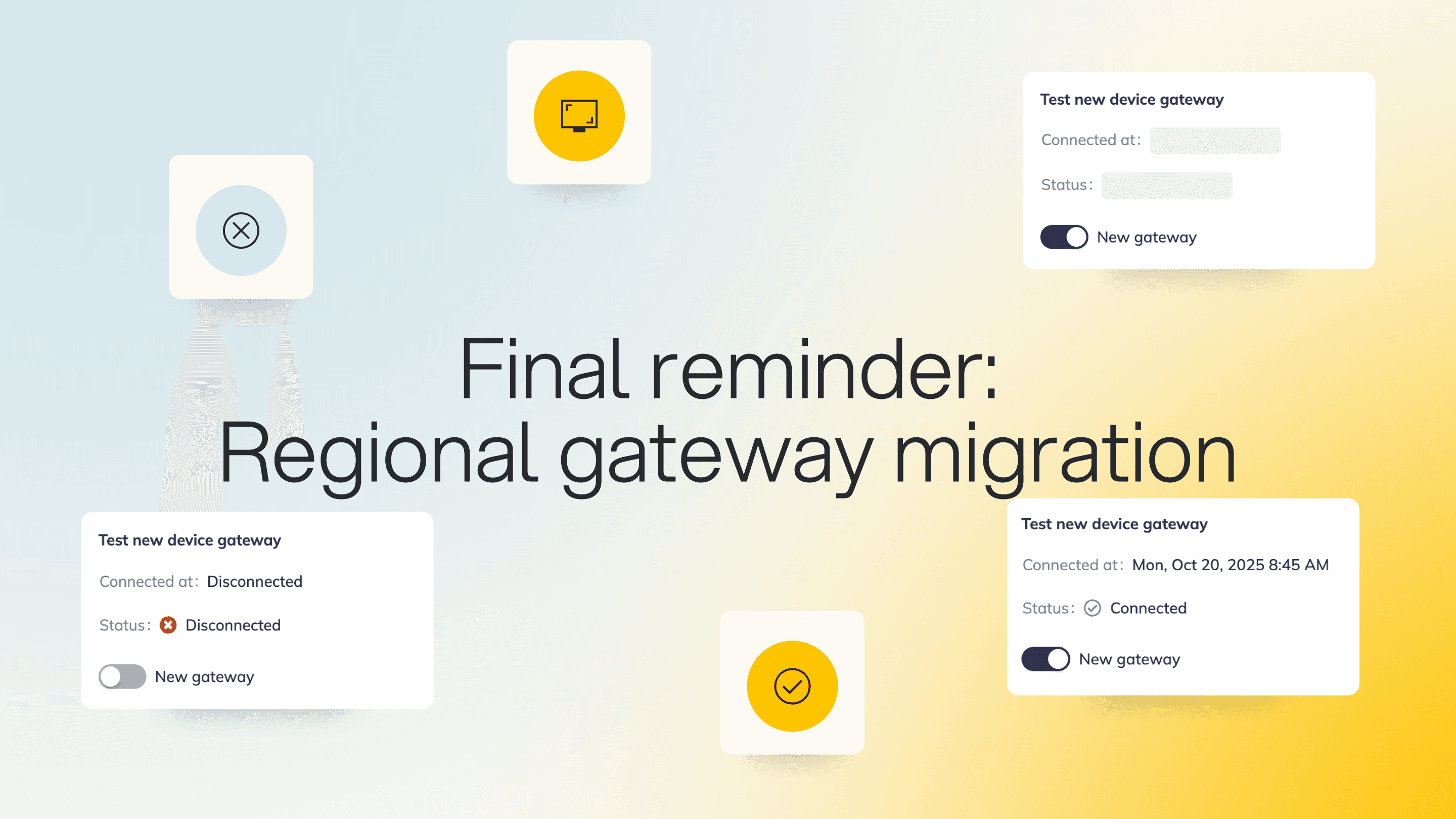
Since August 2025, we've been communicating the rollout of our new regional device gateways to improve platform performance, reliability, and scalability. This is the final reminder before the migration is completed.
By the end of July, all devices will connect through the new regional gateways. If you haven't already updated your network and firewall configuration to allow the required regional endpoints, please do so as soon as possible to avoid connectivity issues.
View the complete list of required endpoints here.
If you have any questions or need assistance preparing your environment, please contact the signageOS Support team.
Event Stream Distributor
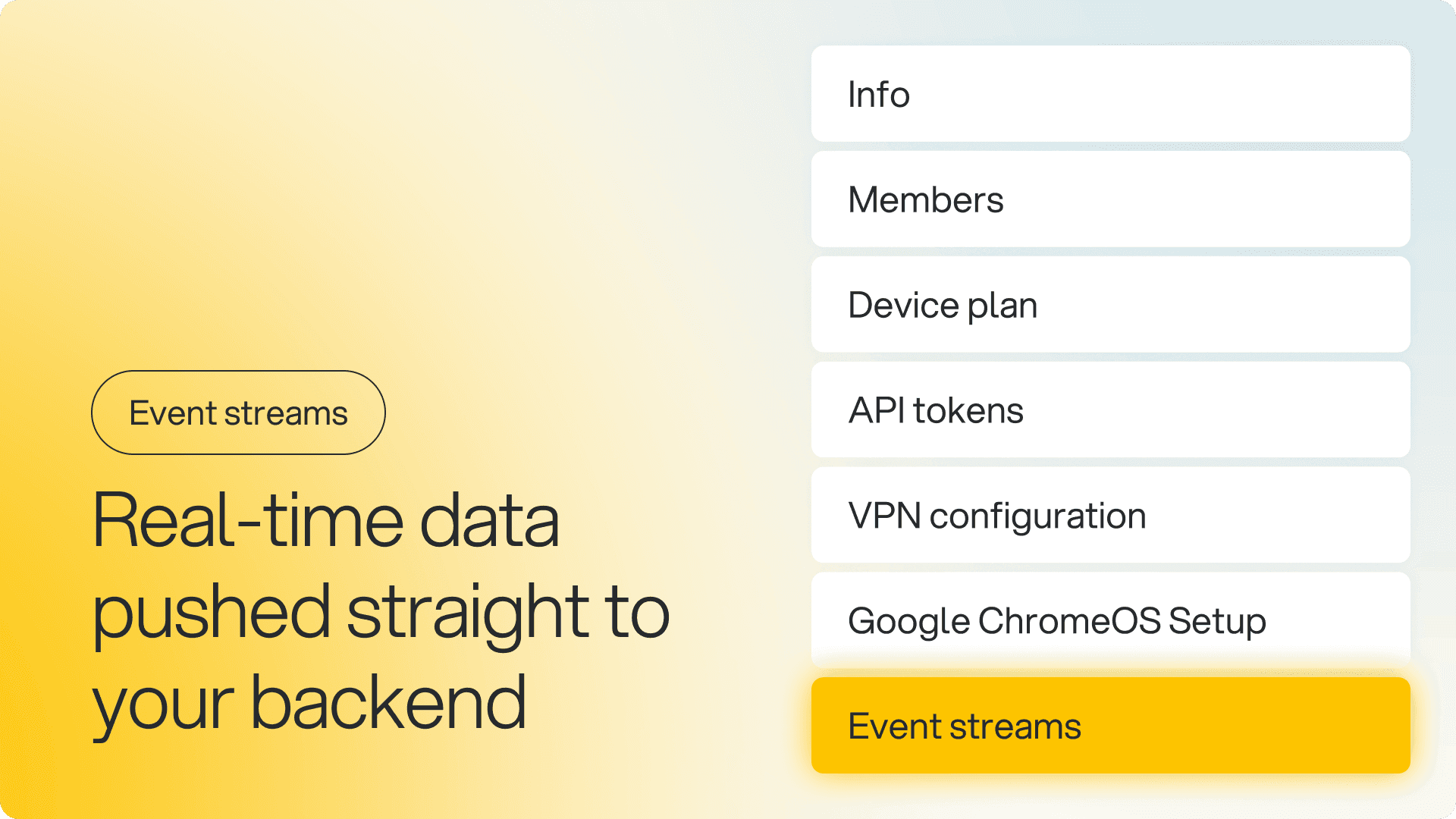
React to platform changes the moment they happen instead of polling the API. Event streaming delivers platform events to your backend through HMAC-SHA256 signed webhooks. You choose the event types (pairing, provisioning, recipe changes, telemetry, and connectivity); manage exporters yourself from your Organization settings in Box; and track delivery health in a built-in observability dashboard.
Why it matters: for deployments of 5,000 or more devices, you'll know within seconds when a device goes offline or a recipe changes without generating unnecessary polling traffic. That enables tighter integrations and faster incident response. Currently in release mode, rolling out progressively.
Stop and reset apps on a device, remotely
Two new package management APIs let you control running apps without touching the hardware: stop a package, or clear its data. Handy when an app is misbehaving, stuck, or holding onto corrupt cached data and you'd otherwise be dispatching someone to the screen.
Why it matters: When a player app freezes or gets into a bad state, the usual fix is a site visit or a full device reboot. Now you can stop the app or wipe its data from the API and let it start clean, which means less downtime and fewer truck rolls for problems that don't need them.
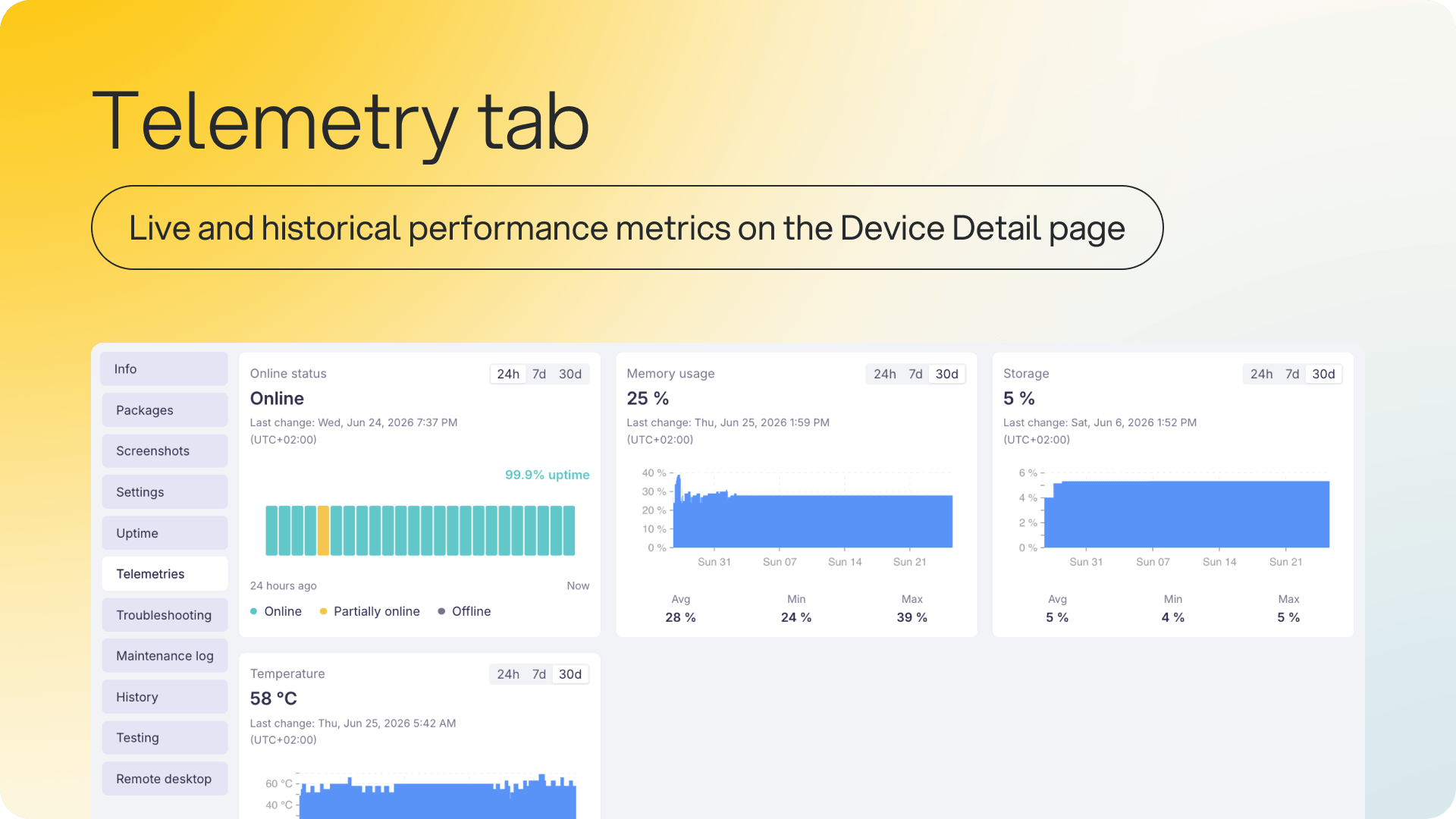
Telemetry History on Device Detail
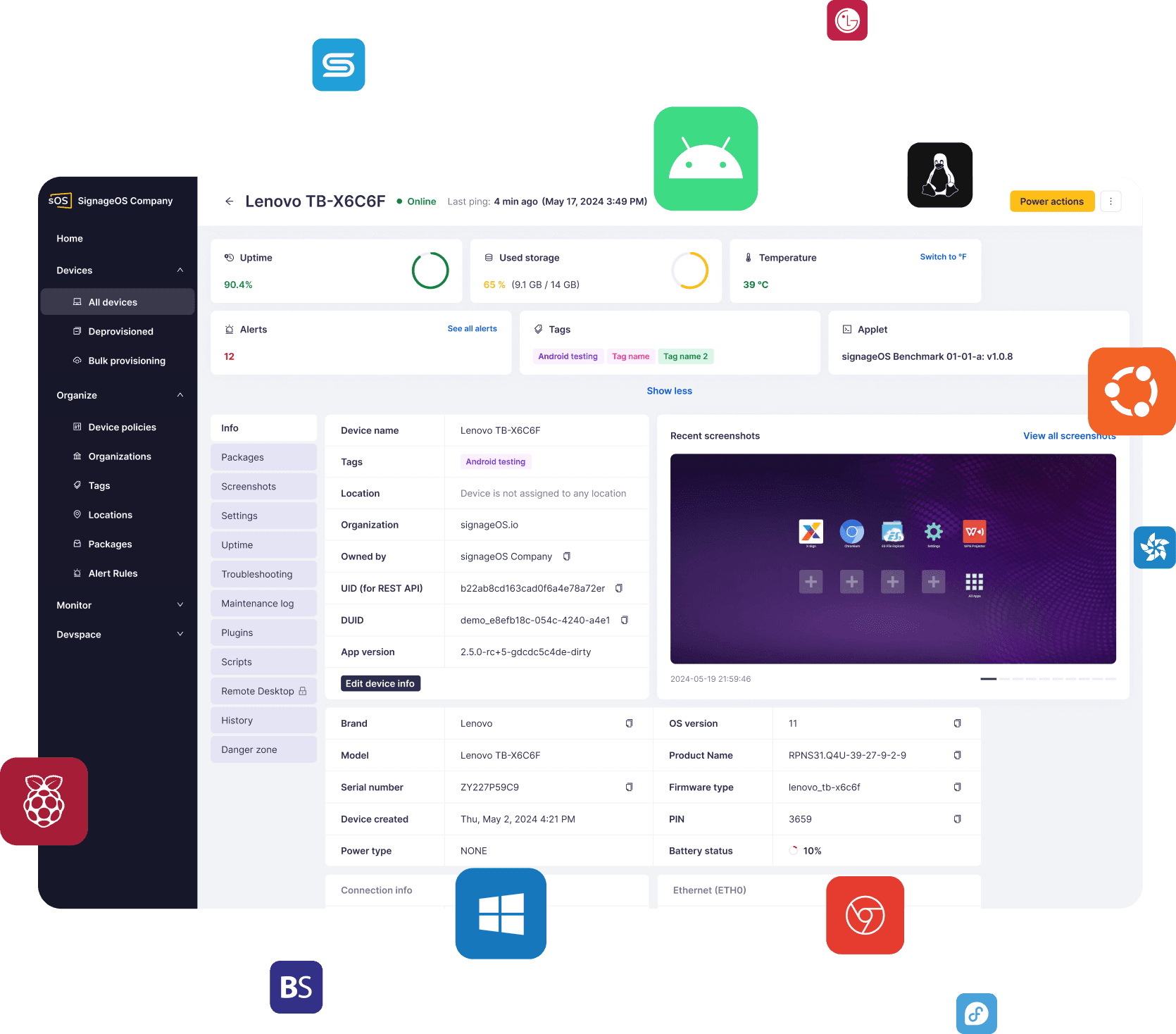
Monitor device performance over time from one place. A new Telemetries tab on any device's detail page shows real-time and historical CPU, memory, storage, temperature, and online status, with monthly trend graphs and Min, Avg, and Max summaries per metric.
Why it matters: Instead of jumping between screens or relying on alerting alone, you have a single view to spot degradation or overheating before it causes downtime, troubleshoot faster, and make informed calls on hardware replacement or capacity planning.
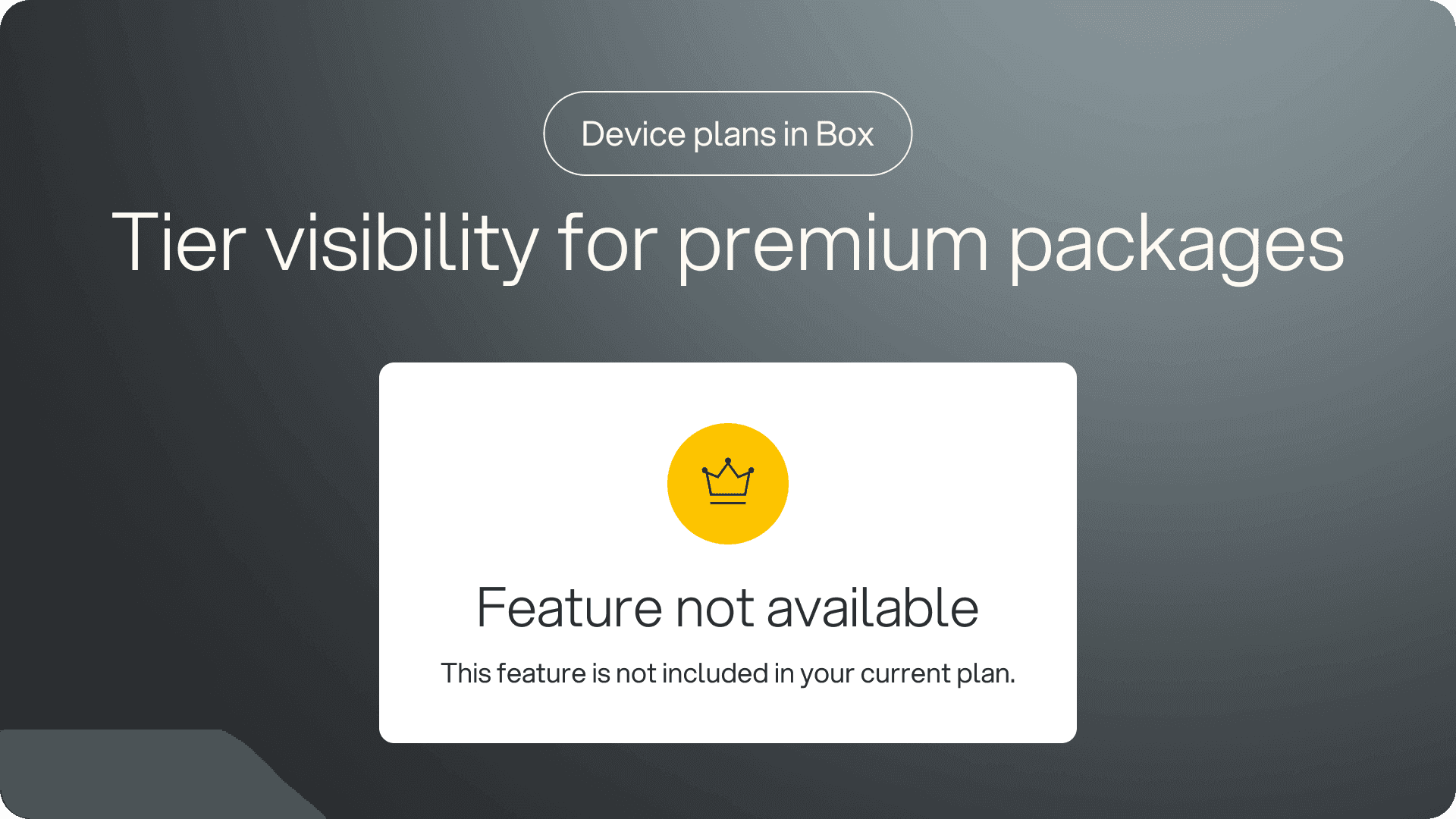
Feature Entitlements and Device Plans
You now have clearer visibility into what's included in your plan and what's available as an upgrade. Your organization's Device Plan is now displayed directly in Box, replacing the old subscription type labels.
Certain features across the platform will now show a 👑 crown icon, indicating they're part of a higher-tier plan or an add-on package. This applies to both existing and newly released features, so you may notice the crown on capabilities you haven't seen gated before. The crown signals that a feature is available but not currently included in your active plan: you can still see it, understand what it does, and decide whether your team needs it. To unlock a feature, contact your Account Manager to discuss plan options, trials, or upgrades.
Why it matters: you can see exactly what your plan covers and evaluate what a feature does before committing to an upgrade, so decisions about expanding your plan are based on what your team actually needs.
Deep Dive: Core App Releases
BrightSign 2.5.0
Low-latency streaming arrives via the lowLatency option for near-real-time playback, which suits live feeds and time-sensitive content. Enterprise Wi-Fi is now fully supported, including hidden networks and EAP-TLS, EAP-TTLS, and EAP-PEAP, removing workarounds for corporate networks.
The XC5 now drives four video players for straightforward multi-HDMI deployments, Supervisor mode runs snippets as independent Node.js processes decoupled from BrightScript, and a scheduled-off overlay confirms a display timer's OFF window without killing content.
Also: faster ZIP extraction, a background video layering fix, web inspector on BOS 9.1+, and On-Screen Keyboard support for FW 9.1.11.
Android 4.16.0
Manage Sony BRAVIA displays without physical access: import display settings remotely using policy, and use new SDK capabilities to query display power settings and remotely clear application user data.