Blogs
Read Time: 3 minutes
Not every digital signage network starts from scratch – and that’s okay. While greenfield deployments offer the luxury of standardization and up-to-date hardware, most networks are built over time with multiple hardware generations, vendors, and platforms all operating within the same environment.
These brownfield deployments are the industry norm, and they come with unique challenges. CloudControl by signageOS is purpose-built for this reality. It’s a hardware-agnostic, signage-specific device management platform that gives you full visibility and control – no matter how mixed your fleet is.
The Brownfield Reality
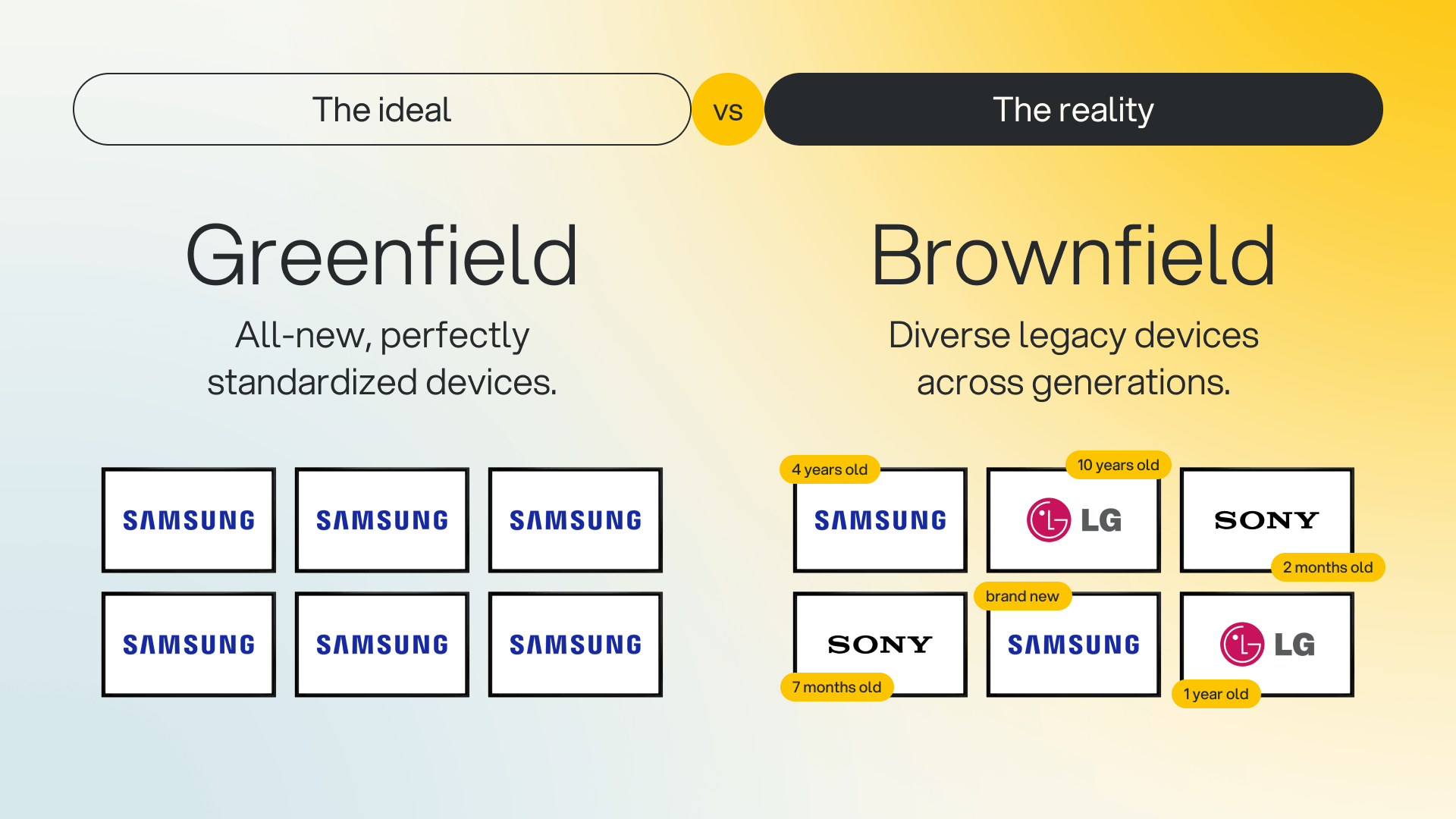
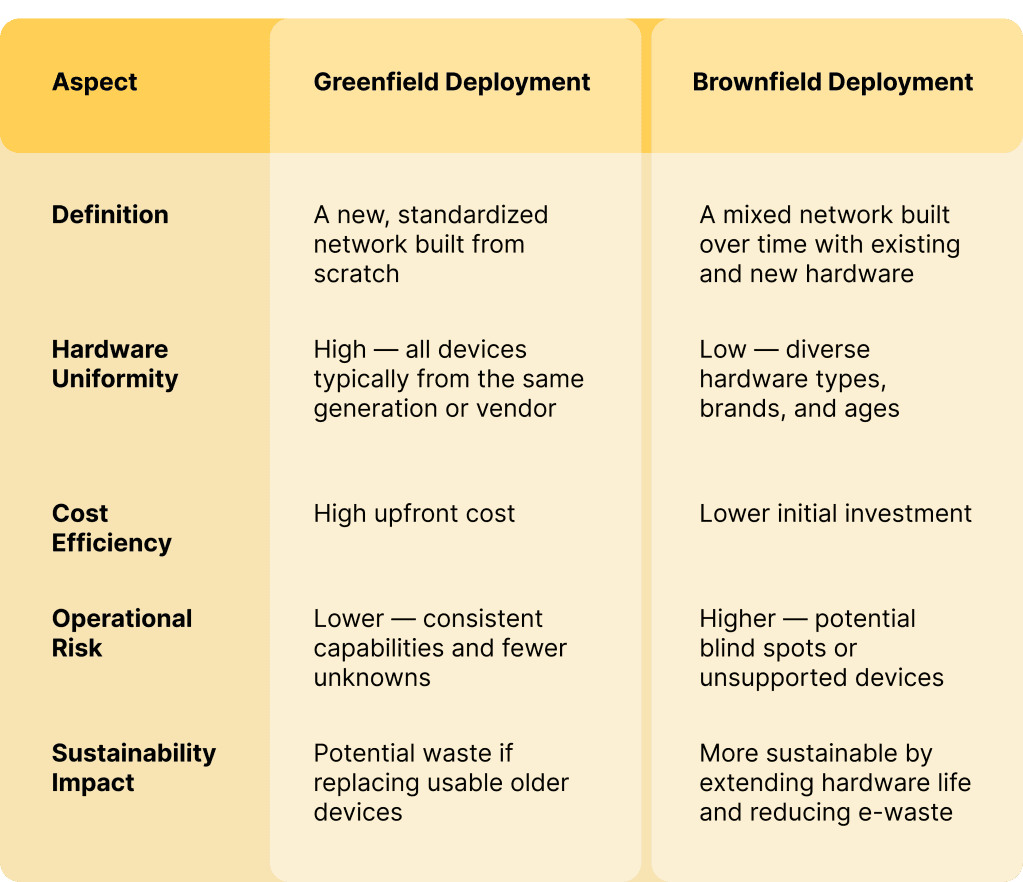
Greenfield deployments are built from scratch using modern, uniform hardware. They're predictable, consistent, and rare.
Brownfield deployments, on the other hand, grow organically over time, combining legacy and new devices, multiple brands, and varied operating systems.
Most enterprise networks fall into the brownfield category. That’s why CloudControl is designed to work across generations – not just the latest OS or device.
“No one’s starting from scratch,“ says Steven O’Neill, Head of Business Development at signageOS. “Most networks we see are a patchwork of old and new. It’s just reality, and CloudControl is built for that reality because it helps teams get the most out of every device, not just the shiny new ones.”
Why Support Legacy Hardware?
Swapping out old devices sounds easy, but it’s expensive, disruptive, and wasteful. Smart CFOs don’t approve of financial waste, so they will keep their hardware operating as long as possible to get the best return on investment.
Using legacy hardware delivers two key benefits:
Lower Costs: Avoid large capital expenditures on hardware, installation, and service by continuing to use functional devices already in place.
Greater Sustainability: Reduce e-waste and align with Environmental, Social, and Governance (ESG) goals by extending devices lifespans instead of replacing them.
What Makes CloudControl Ideal for Mixed Fleets?
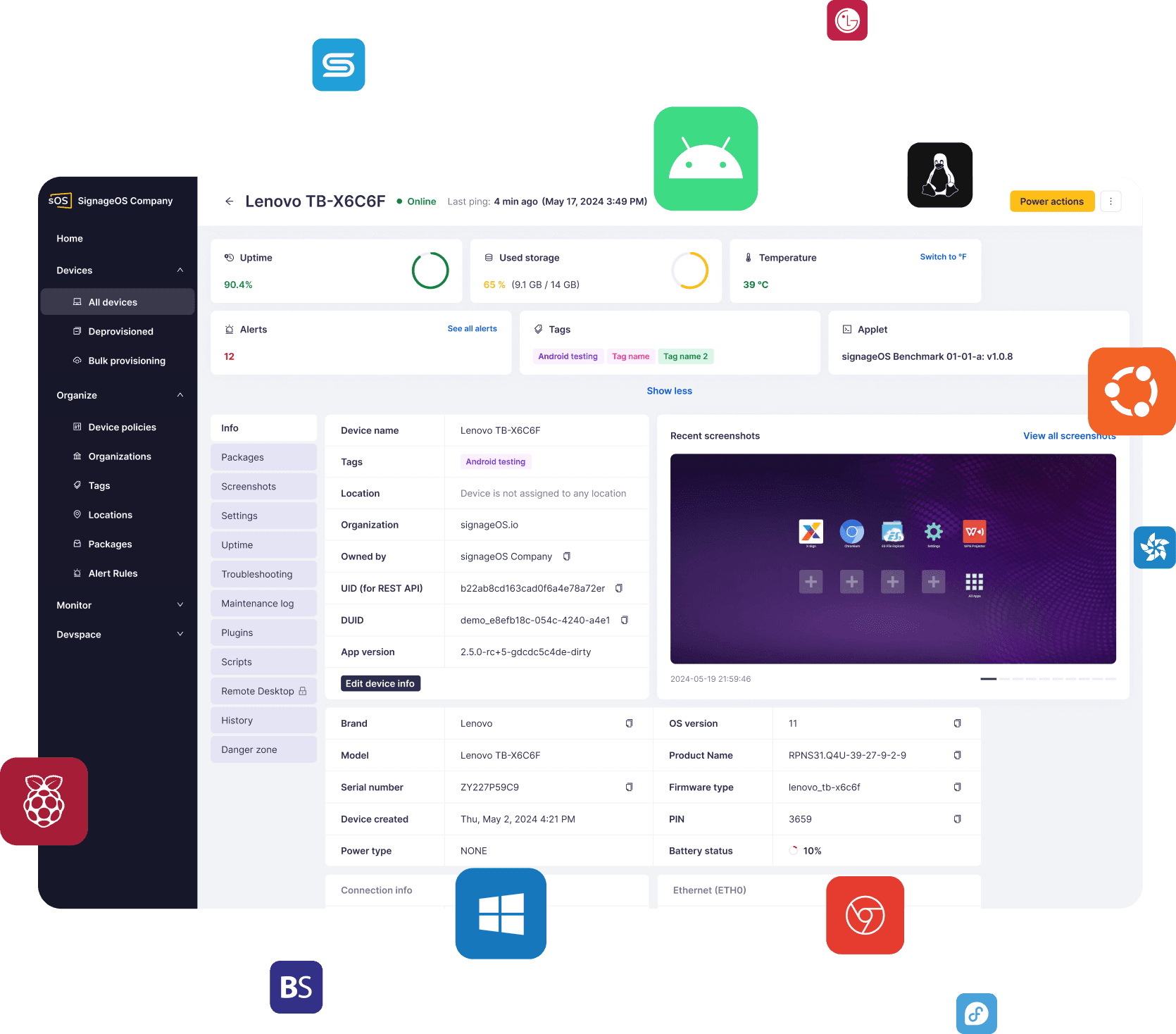
CloudControl unifies more than 50 device platforms, which translates to thousands of compatible devices, and manages them under a single platform. Its digital signage-specific features include:
Real-Time Device Health: Monitor every device, regardless of age or brand
Remote Desktop Access: Access what’s playing on older devices with limited UI
The Screenshot Time Machine: Capture screenshots every 15–60 minutes
Bulk Actions & Automation: Reboot, restart, and schedule tasks across fleets
Scalable REST APIs: Integrate with your broader tech ecosystem
Using DevSpace for Mixed Fleets
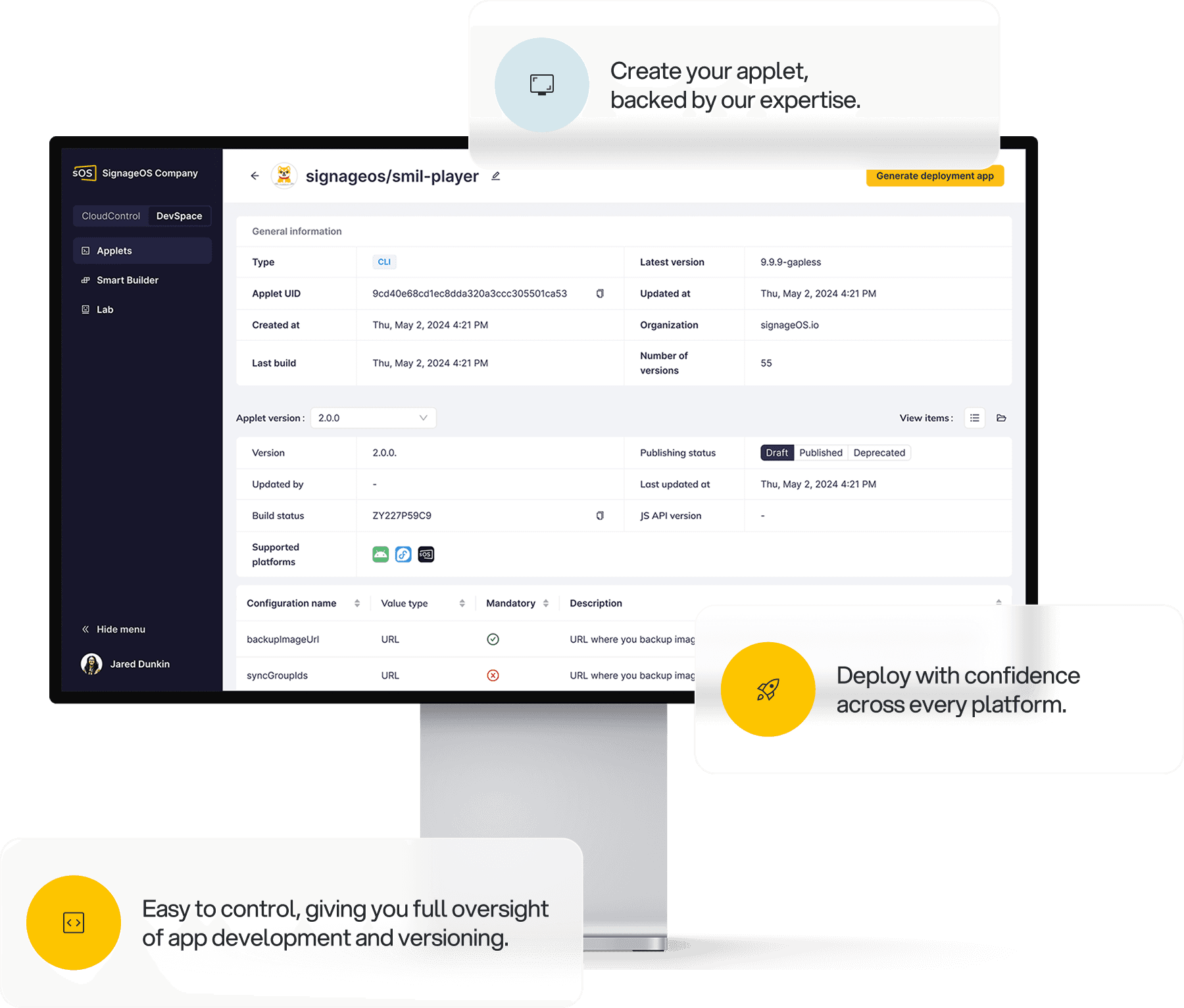
Connecting legacy devices is more efficient with DevSpace, another product from signageOS. It allows developers to avoid lengthy integration periods when deploying modern networks with legacy hardware. It keeps brownfield deployments flexible and future-ready – without the burden of ongoing maintenance.
Don’t Rip and Replace. Reclaim.
Greenfield deployments may offer a clean start, but brownfield environments reflect how real-world signage networks grow. With the right tools, legacy hardware doesn’t have to be a liability, it can be a strategic asset.
CloudControl allows you to extend the value of legacy hardware – no rip-and-replace required. You gain full control and real-time visibility without switching platforms or juggling several vendor portals.
Whether you're managing SoC displays from multiple generations, custom-built media players, or hybrid deployments across regions, supporting legacy devices is essential to sustainable, cost-effective digital signage operations.
Want to Dive Deeper? Download the White Paper
Our new white paper, The Gap in Managing Digital Signage: What IT Tools Miss and Enterprises Need, explores the evolving demands of enterprise signage networks and why general-purpose tools aren’t enough. It includes:
An overview of the challenges facing signage teams today
A digital signage device management checklist
A closer look at CloudControl’s capabilities
Download the white paper, and learn how to bridge the gap between legacy devices and modern signage needs.