Product Updates

Greetings,
This issue's product updates, at a glance:
Applet ZIP drop-in — upload an app that's already built and it becomes an applet
Alert history over the API — every change to an alert, with who made it and when, in your own tools
Extended control — apply production panel settings to LG and Samsung displays from Box
Content synchronization — a full guide, a sync server you can see into, and two example applets
Solution Hub — now available: install ready-made
Also: an IMPORTANT NOTICE about new regional network endpoints and requirements.
For more updates on the latest features, please check our Changelogs.

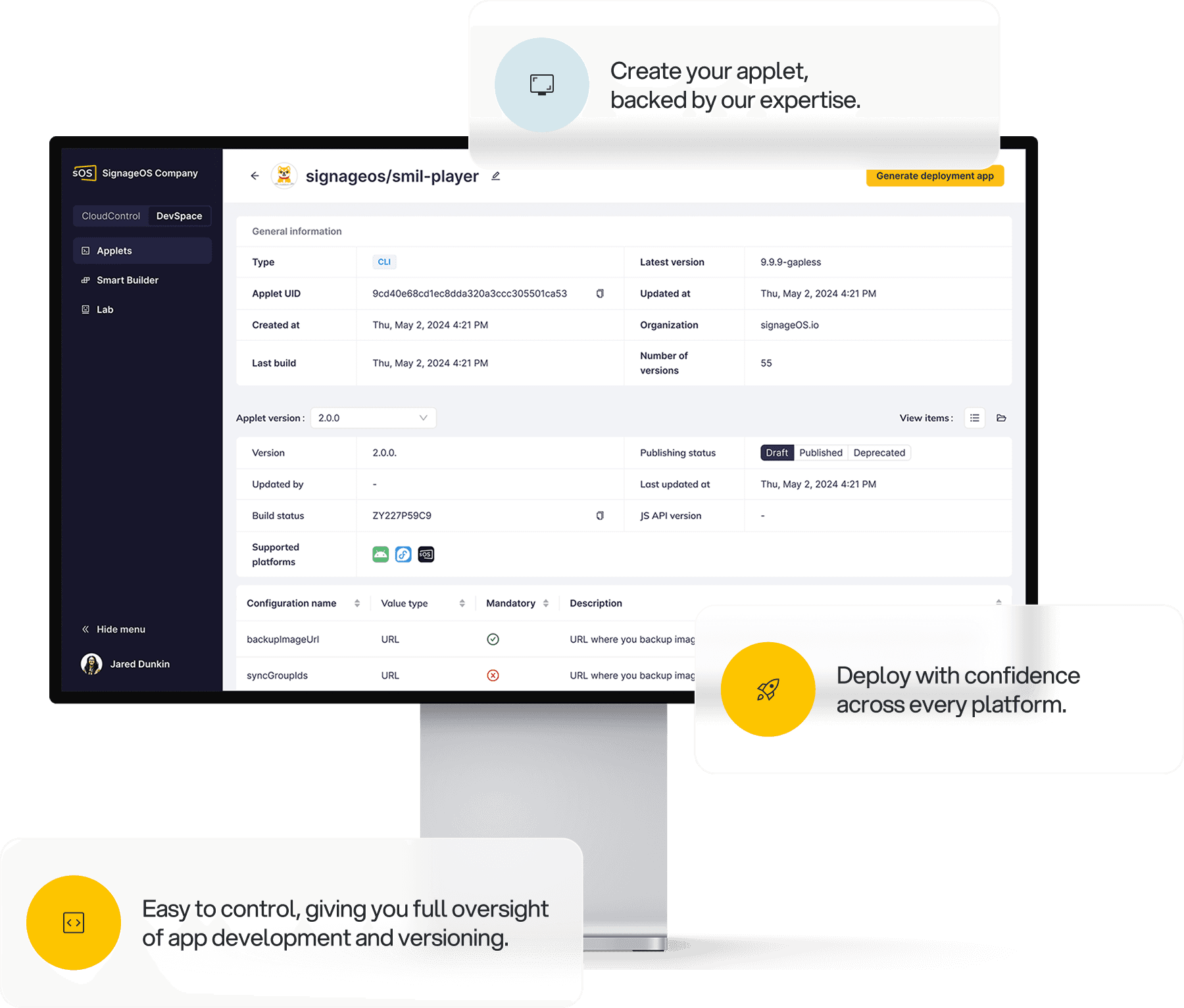
Upload a finished app to Box as a ZIP
You can now upload an HTML app to Box as a ZIP file, and Box turns it into an applet you can deploy. You don't need to install the signageOS CLI first. When you create an applet, you now choose one of three options:
HTML package (ZIP) — for an app that's already built
Basic Applet Editor — for simple content on a single screen
signageOS CLI — for full development workflows, unchanged
CLI applets also get a Create new version action (major, minor, or patch), which you can publish from the CLI or as a ZIP with the same result.
Why it matters: Before, putting a finished app on screens required a developer to set up the CLI. Now anyone with the ZIP file can upload it. A ZIP applet is a normal CLI applet, so you can move to the CLI later without rebuilding it.
Alert history is now in the public API
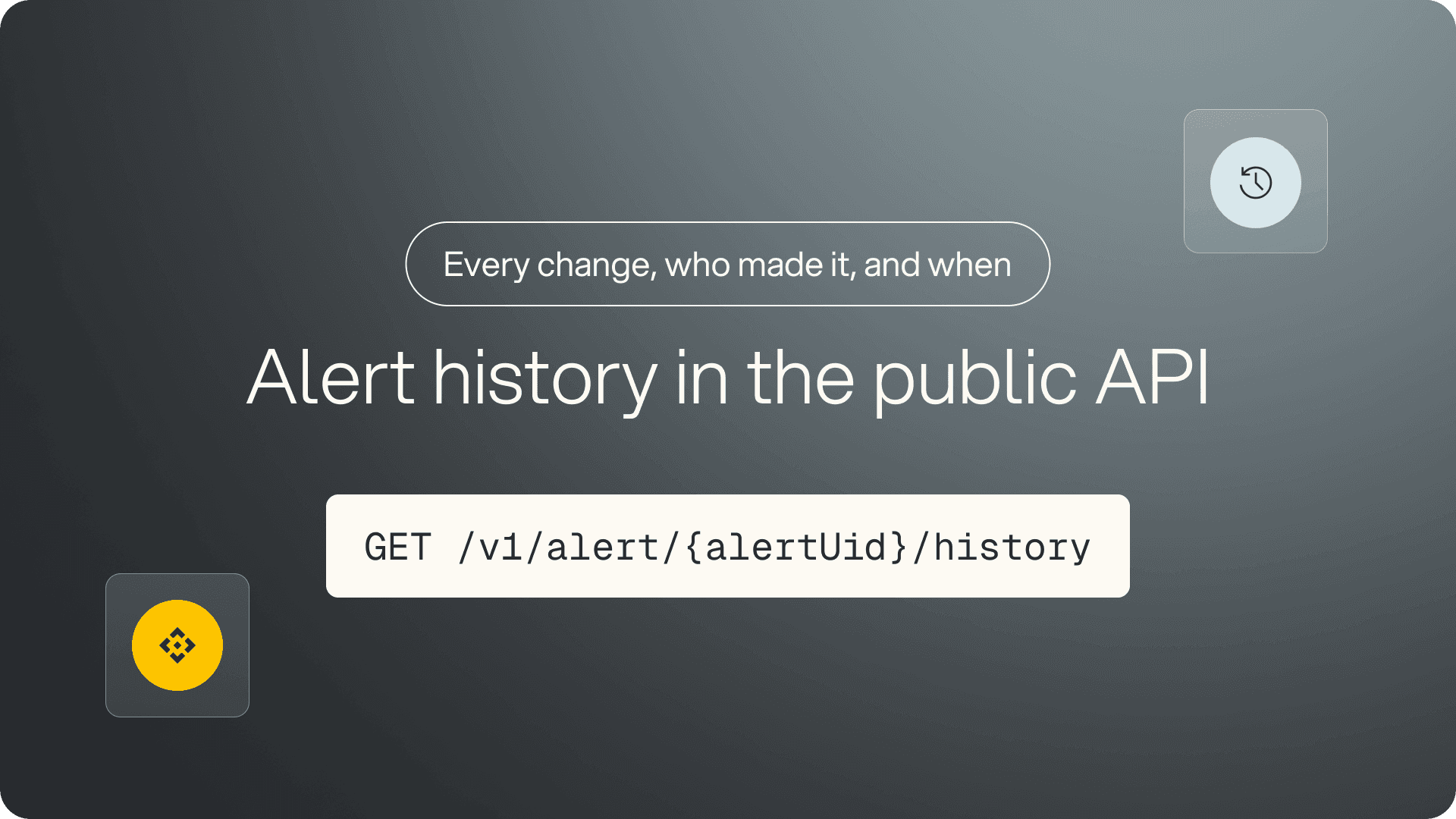
You can now get the full history of an alert through the public API. Before, it was only visible in Box. GET /v1/alert/{alertUid}/history returns every recorded change — devices assigned and unassigned, snoozes, archiving, and description edits — showing who made each change and when. A /count endpoint returns the total.
Results are paginated by cursor, and you can use since and until to return a specific time period. This helps with busy alerts, which can have tens of thousands of records.
Why it matters: To find out when a site started failing and who snoozed the alert, you had to open Box. Now you can get that information in your own tools, for the time period you need.
Extended control for LG and Samsung displays, coming soon
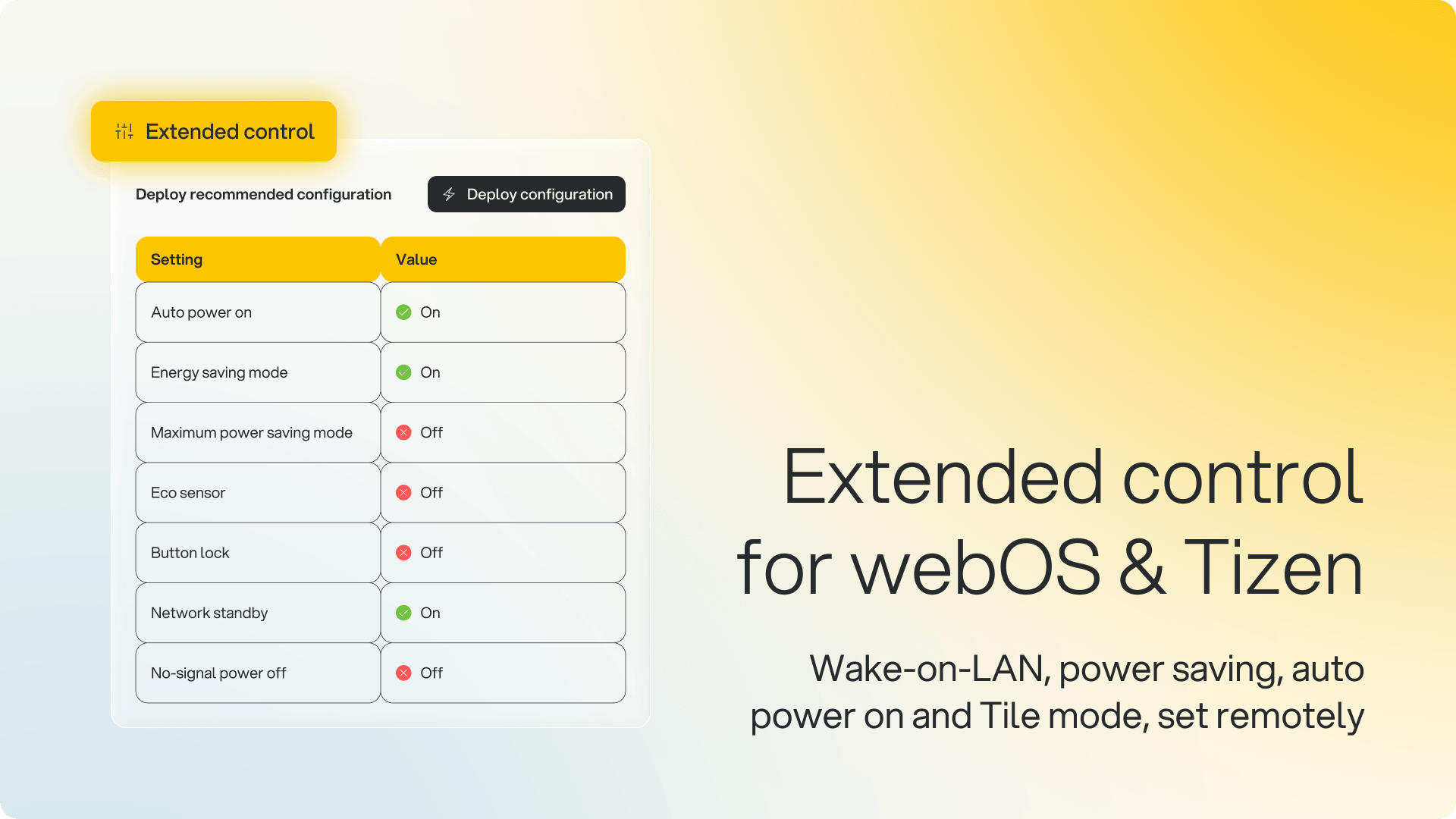
Screens that dim, go to standby, or don't turn back on after a power cut are often set up that way in the display's firmware, which the player can't change. The Extended control tab in Box now includes cards for LG webOS and Samsung Tizen that change these settings remotely.
What you can do:
Deploy recommended configuration — applies signageOS's recommended production settings: wake-on-LAN, power saving off, no-signal power off disabled, auto power on, and network standby. Box shows each value before you run it
Tile mode (LG) — change a video wall's rows, columns, and tile ID remotely
Results per setting — Applied, Failed with the display's error, or Skipped if the model doesn't support it, saved in the device's script history
Who it affects: Organizations with LG webOS or Samsung Tizen displays. The device must be online, with Custom Scripts enabled and permission to run them.
Why it matters: Changing these settings used to require a site visit with a remote control, or your own scripts. Now it's done from Box, and support can see which settings each screen accepted.
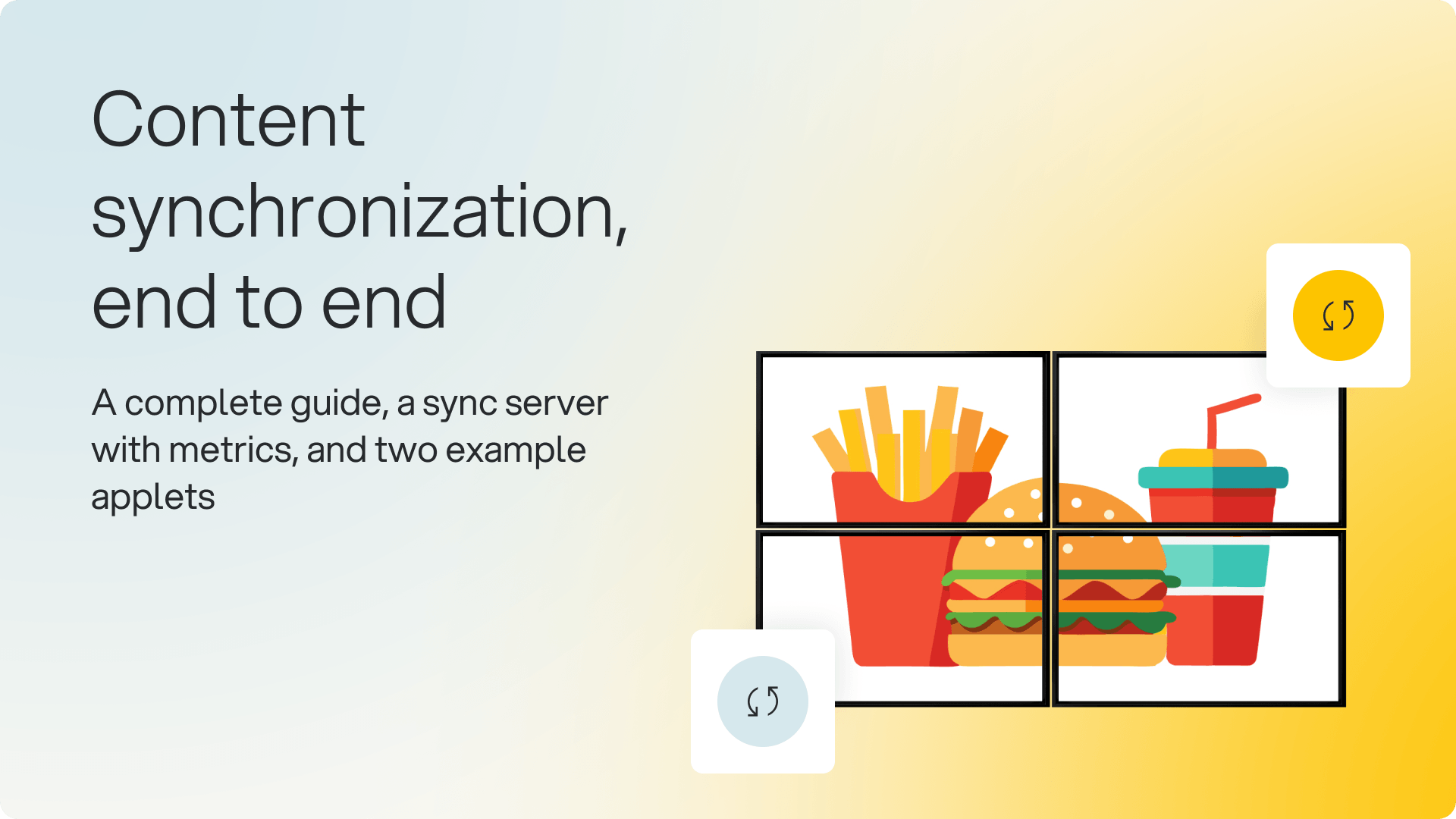
A guide, metrics, and examples for synchronized content
If you run content that plays in sync across several devices, such as a video wall, there's now a complete guide, monitoring for the on-premise sync server, and two example applets.
What's new:
• Guide — the Sync API, peer-to-peer versus sync server synchronization, master device election, on-premise deployment, and troubleshooting
• Synchronizer metrics — a dashboard and Prometheus metrics showing each group's connected peers, elected master, pending barriers, and barriers that don't complete
• Duplicate check — detects two devices joining with the same identification, which stops them syncing and is otherwise hard to find
• Two example applets — videos and images that switch together on every device, and a full-screen interruption every 30 seconds
Who it affects: Anyone using the Sync API. The metrics apply if you run the on-premise Synchronizer.
Why it matters: Synchronization used to need a custom integration, and faults were hard to diagnose. Now the guide covers setup, the metrics show which group has a problem, and you can start from a working example.
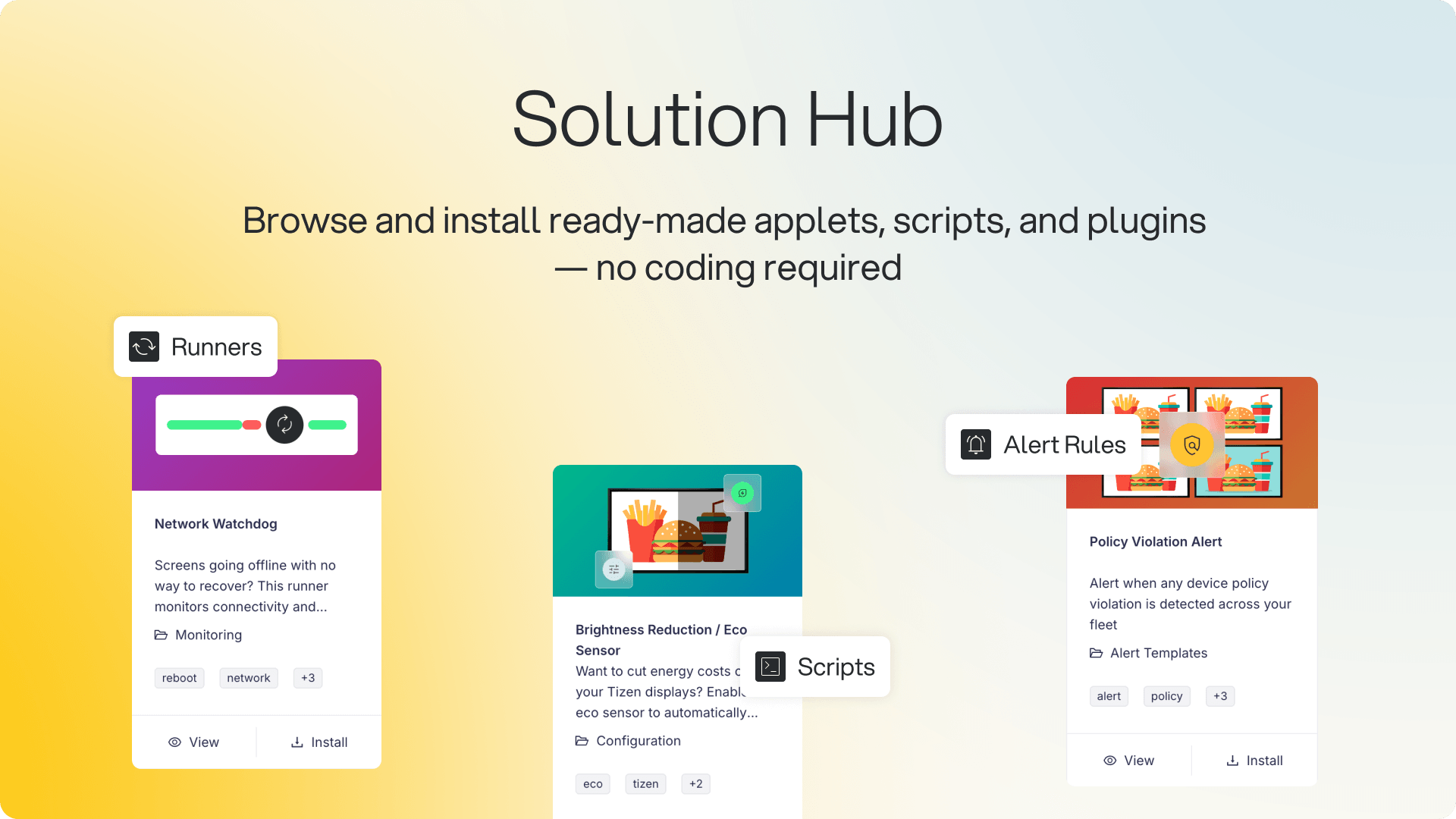
Solution Hub: ready-made components, ready to install
Solution Hub is now available in signageOS Box. We first showed it in July. Open it from the sidebar to browse ready-made components, filter by type, category, or platform, and install in a few clicks without writing code.
What you can install:
Applets — ready-to-run front-end apps like Browser, Video & Images, Stream, and Video Wall
Scripts — device utilities such as Network Speed Test, System Info, WiFi Configuration, and Policy Enforce
Runners and plugins — background tools like Network Watchdog and multi-screen configuration
Alert rules — pre-built monitoring rules you turn on in one click
Content Guard AI templates — AI analysis of device screenshots, for use with Content Guard
Who it affects: All organizations using signageOS Box.
Why it matters: Adding a new capability used to mean building it or finding it elsewhere. Now you install it from Box, and each item lists its supported platforms — Tizen, webOS, BrightSign, and others — and version, so you can check it works with your devices first.
Availability: Now available to all organizations.
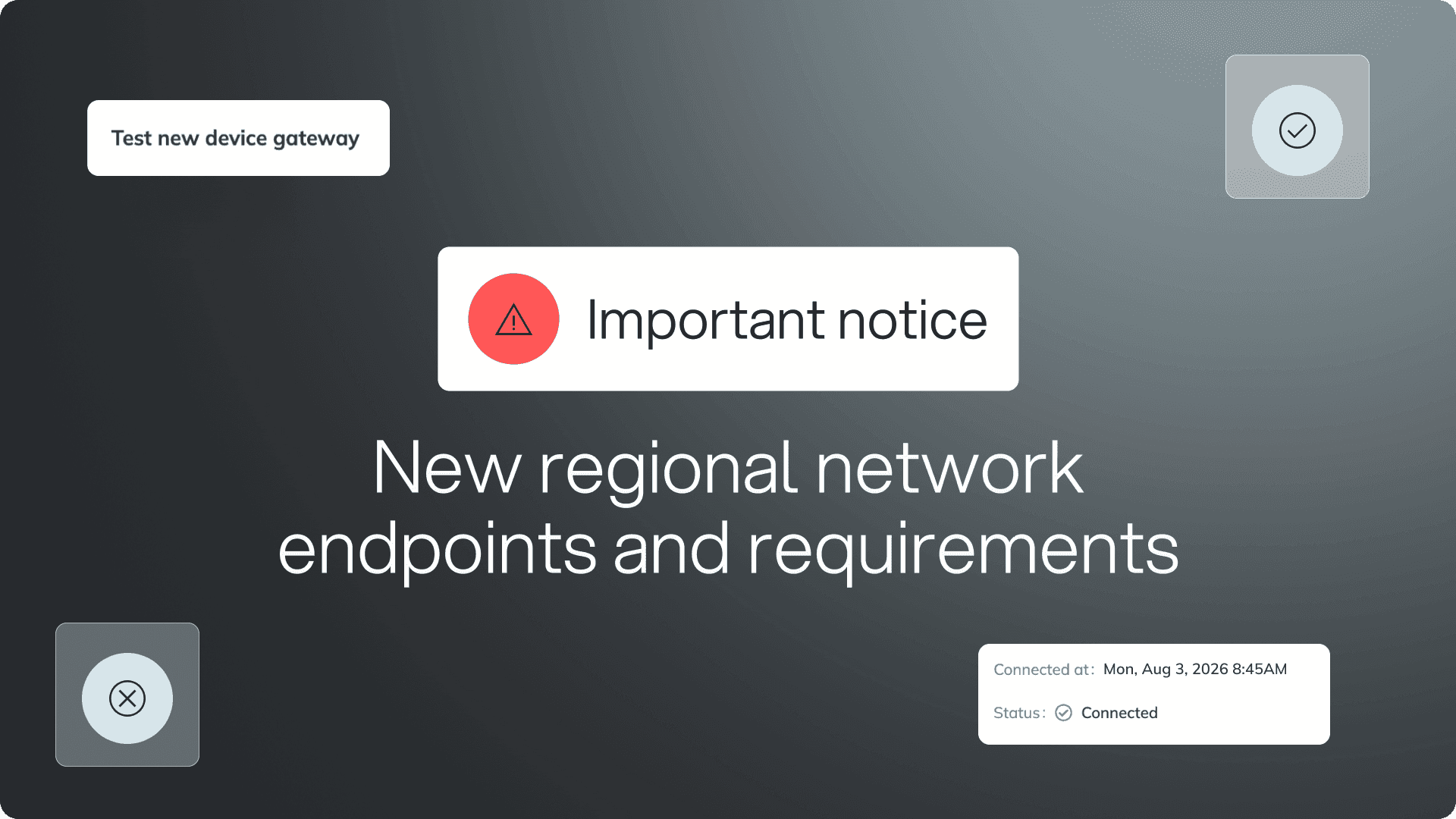
⚠️ IMPORTANT NOTICE ⚠️
New regional network endpoints and requirements
New regional device gateways are being rolled out to improve the platform's performance, reliability, and scalability.
All devices will now connect through these regional gateways. If you haven't already updated your network and firewall configuration to allow the required regional endpoints, please do so as soon as possible to avoid connectivity issues.
If you have any questions or need help preparing your environment, contact the signageOS Support team.