Product Updates

Greetings,
This issue's product updates, at a glance:
Custom Scripts in the browser— write, edit and publish without installing the CLI
File system tab — browse and edit a device's files straight from the device page
LG webOS 6.1 — official support for UL5Q displays
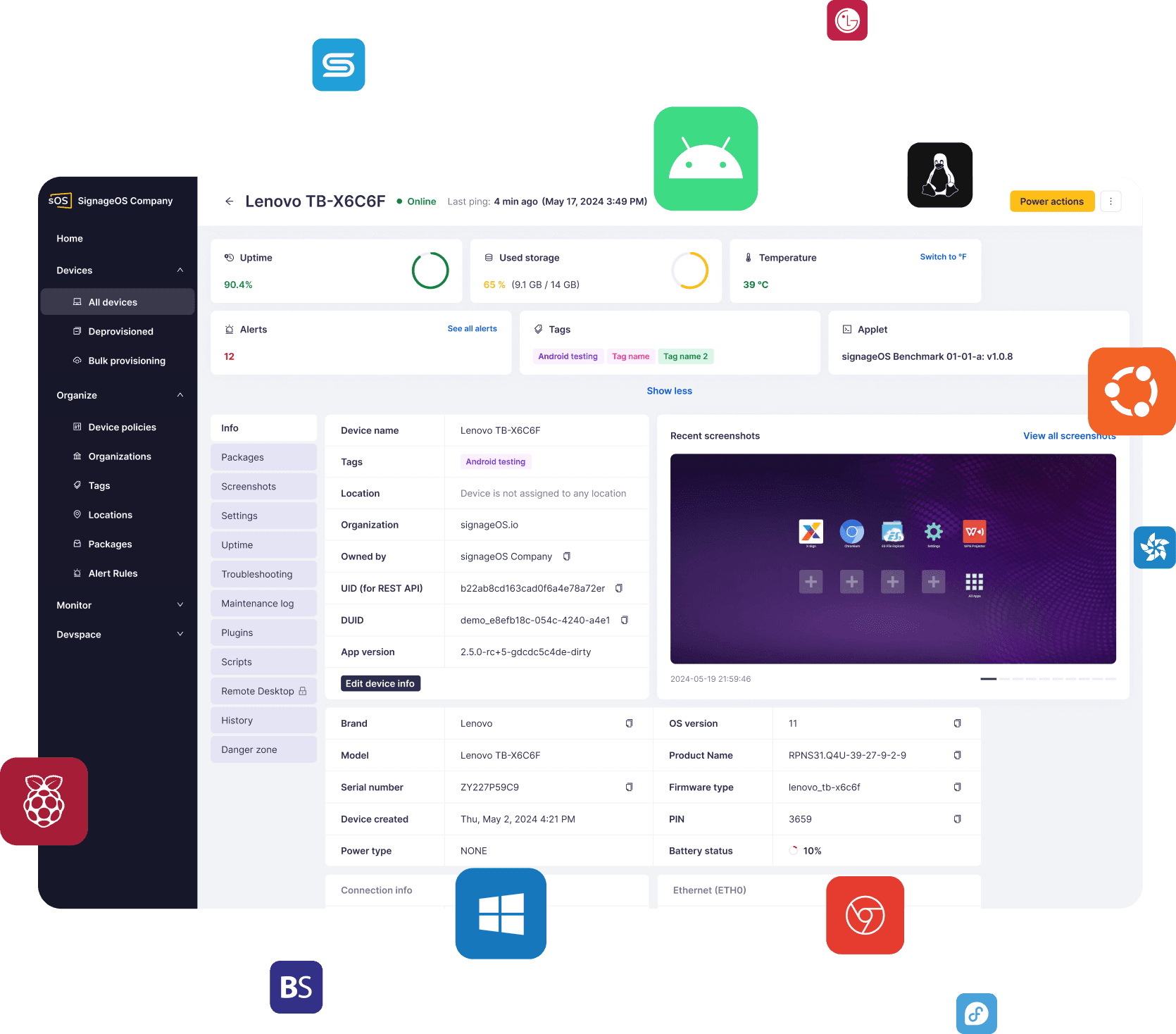
Core App v4.17 and Cloud Control v2.17 for Android — uptime telemetry and on-device screenshot hashing
Also: an IMPORTANT NOTICE about new regional network endpoints and requirements.
For more updates on the latest features, please check our Changelogs.
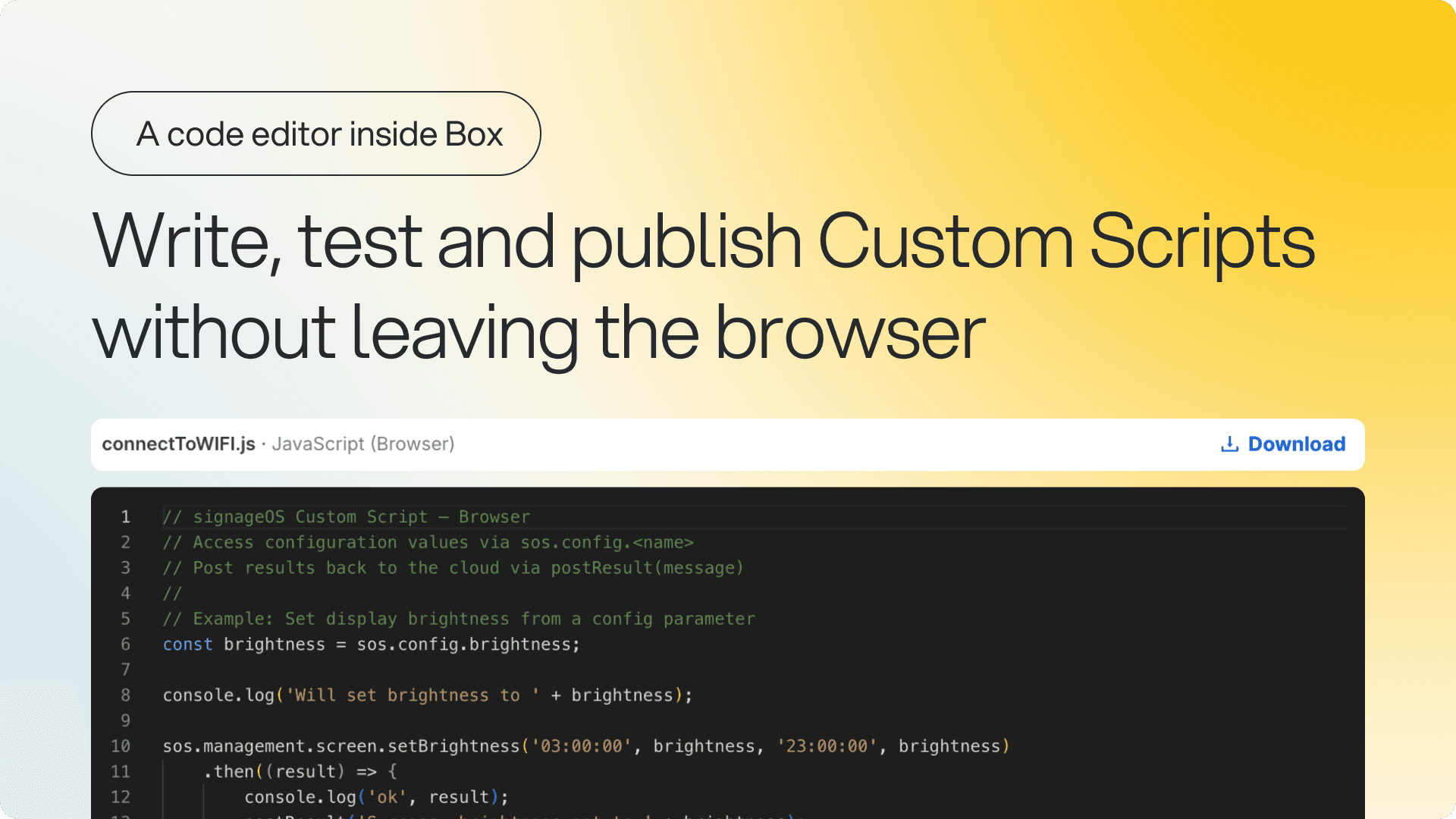
Write and edit scripts without leaving Box
You can now create and edit Custom Script versions in the browser — a fullscreen editor with syntax highlighting, one tab per target platform, and the right runtime already selected.
What's new:
Every platform in one editor — Tizen, webOS, Android, BrightSign, Linux, Windows and ChromeOS, each from a working template
Versions build on the last — a new version pre-fills with the previous code and configuration, so a change is an edit rather than a rewrite
Parameters built in a form — types, descriptions, required flags and value ranges, instead of hand-written JSON
Drafts stay editable — published versions are frozen, and the CLI is unchanged
Why it matters: Writing a script used to mean leaving Box, installing the CLI, zipping files and uploading them. Now it's a few keystrokes and a save, and the detail page shows the code itself.
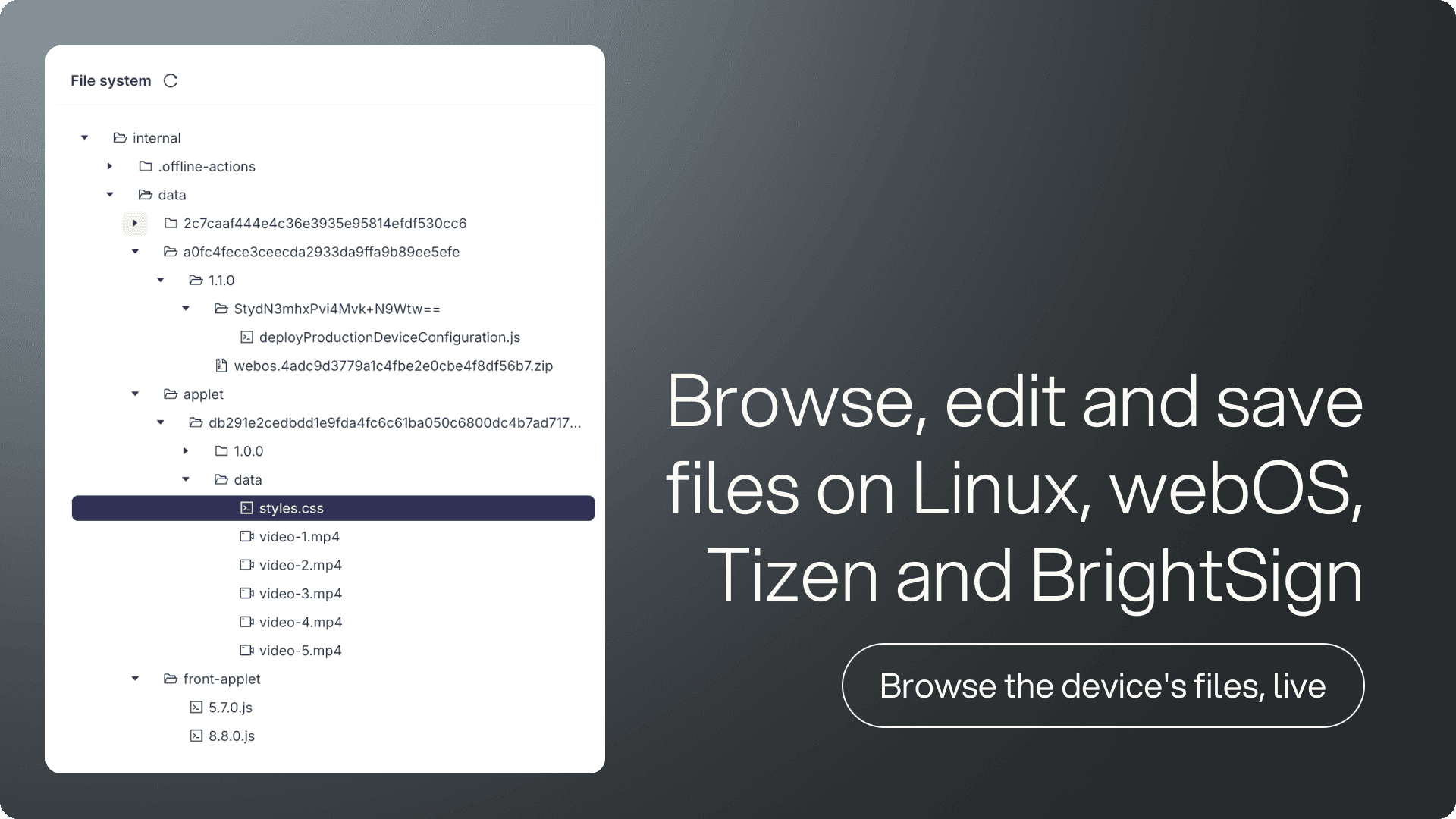
File system: browse and edit device files in a tab
The File system tab shows a device's file system as a live tree, right on the device detail page. Open a file, change a line, save it back.
What you can do:
Edit in place — open a text file, config, log or script in a full editor, change a line, and save it back to the device
Create, rename, move and delete — every destructive action names the exact path first, and a move never silently overwrites
Linux, Tizen, webOS and BrightSign — the whole operating system on Linux, the storage units on the rest
Why it matters: The gap between "the device says it's fine" and "the screen is actually right" used to be a remote session and half a day. Now it's a tab you open while you're already looking at the device.
Availability: Beta. Very large files open read-only, binary files aren't displayed, and the device has to be online.
New platform support: LG UL5Q on webOS 6.1
We've added official support for LG UL5Q displays running webOS 6.1. If you already manage webOS 6.0 devices, nothing changes — the same capabilities, the same monitoring, the same SCAP APIs. UL5Q hardware is now properly identified and works with provisioning, the display watchdog, and every existing device management feature.
Why it matters: If you're deploying UL5Q hardware, the devices are recognized and managed the moment they connect — no workarounds, no manual configuration.
Uptime telemetry and on-device hashing for Android
Core App v4.17 and CloudControl v2.17 are out for Android. Devices now report how long they have been running, and screenshots are hashed on the device before they are uploaded.
What's new:
Uptime telemetry — devices report how long the system and the app itself have been running
pHash on the device — CloudControl now computes pHash alongside aHash and dHash, before the screenshot is uploaded
Modernized networking — OkHttp updated to 5.5.0
Why it matters: Uptime telemetry answers "has this screen actually been running", not just "is it online right now". And hashing screenshots on the device means less data leaves it for the same visual checks.
Full changelog: Core App · CloudControl
⚠️ IMPORTANT NOTICE ⚠️
New regional network endpoints and requirements
New regional device gateways are being rolled out to improve the platform's performance, reliability, and scalability.
All devices will now connect through these regional gateways. If you haven't already updated your network and firewall configuration to allow the required regional endpoints, please do so as soon as possible to avoid connectivity issues.
If you have any questions or need help preparing your environment, contact the signageOS Support team.