Product Updates

Greetings,
This issue's product updates, at a glance:
Multitasking Tray and Command Center — a working-set tray and a Cmd/Ctrl+K command center for fast, multi-device work
App and firmware status — a label showing whether each device is up to date (coming soon)
Smarter modals and drawers — click outside to close, with unsaved-change and destructive-action safeguards
New regional network endpoints — require an update to your network and firewall configuration
For more updates on the latest features, please check our Changelogs.
New in Box: Multitasking Tray and Command Center
Box now keeps track of your working context, so you're not juggling a dozen browser tabs. Whether you're troubleshooting a fleet, monitoring several locations, or comparing configurations, it remembers where you've been so you don't have to.
Working-Set Tray (Opt/Alt+1–9)
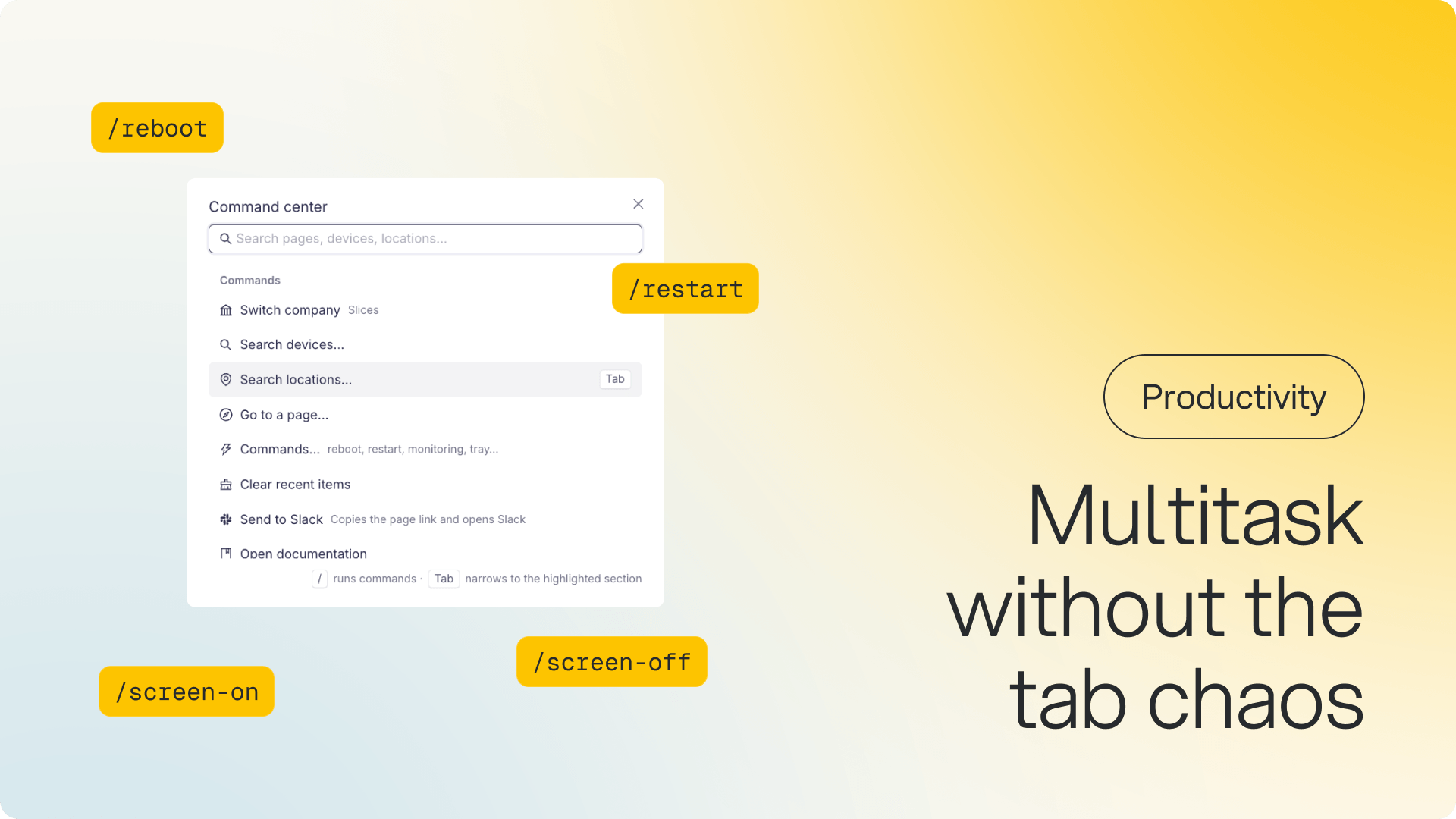
Every page you visit — devices, locations, alerts, policies, applets — becomes a quick-access chip in a persistent tray. Pin the items you use most, remove what you're done with, and jump between them with one click or a keyboard shortcut (Opt/Alt+1–9). On mobile, it appears as a swipeable bottom sheet. Investigating a batch from a support ticket? Paste up to 1,000 device UIDs at once and your whole working set is ready in seconds.
Command Center (Cmd/Ctrl+K)
A single search bar that finds devices, locations, pages, and actions across your workspace. Results are ranked by relevance, so the right device surfaces first even when thousands match. Use Tab to drill into a category, and Esc or Back to return without losing your query. Slash commands like /reboot, /restart, /screen-on, and /screen-off let you act on devices straight from the palette, with permission checks and a confirmation step built in.
Why it matters: Support and operations teams routinely work across 5–20 devices at once. Until now, that meant as many heavyweight browser tabs, repeated searches, and lost context. The tray and command center keep that context in Box, so it keeps up with how fast you actually work.
See at a glance whether your app and firmware are up to date
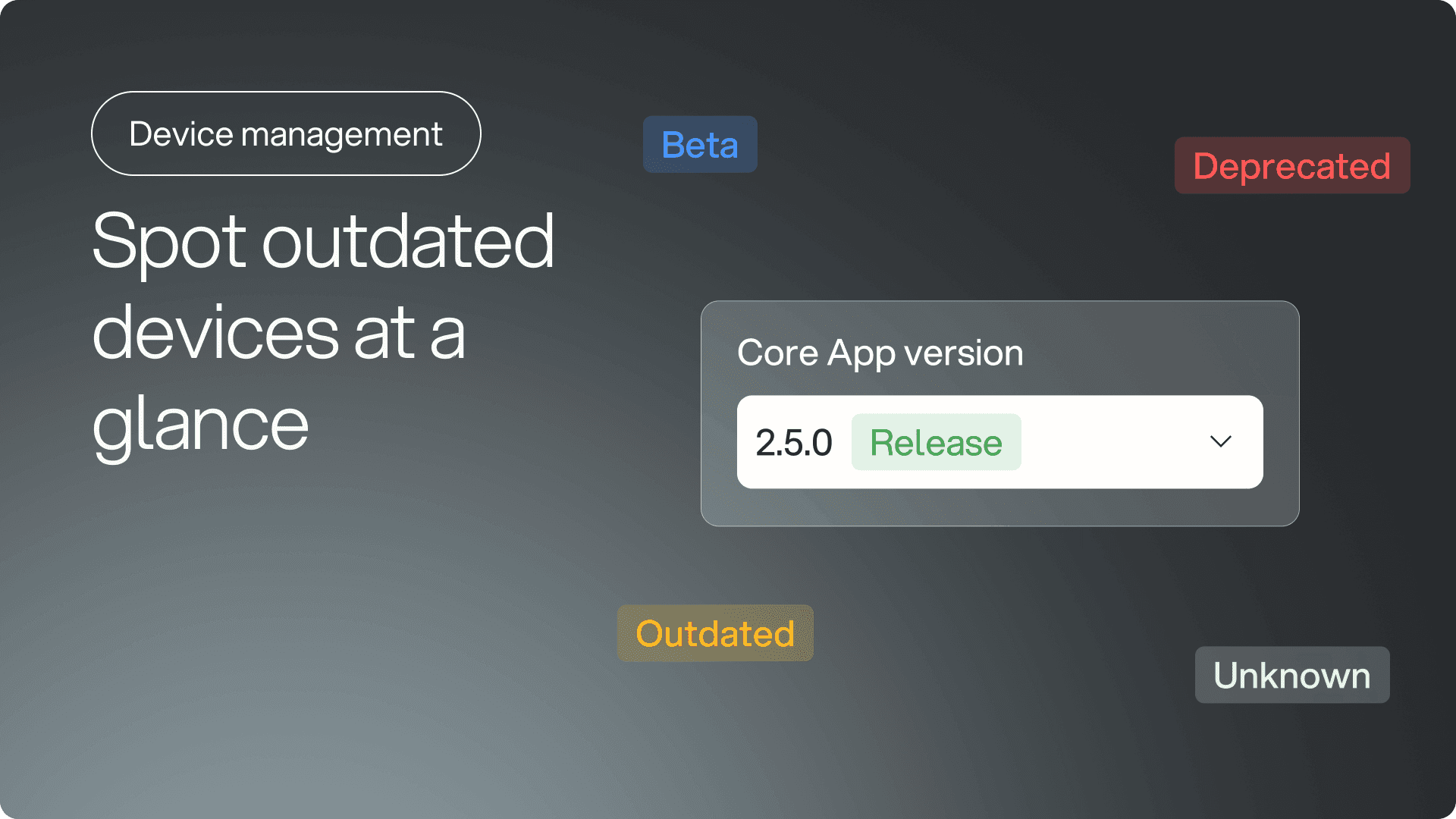
We now show a clear status label next to the application version and firmware version in Telemetry, so you no longer have to guess whether a device is running the latest software. Hover over any label to see which version is available as an upgrade.
What you'll see:
Up to date (green) — you're on the latest stable version
Outdated (orange) — a newer stable version is available
Beta or release candidate (purple/blue) — you're running a pre-release build
Deprecated (red) — this version is no longer supported
Unknown (gray) — we can't match the reported version to a known release
Why it matters: Managing a large fleet means you can't check every device's software version manually. Now you can spot which devices need attention at a glance, whether it's an outdated app, old firmware, or a deprecated build that should be replaced.
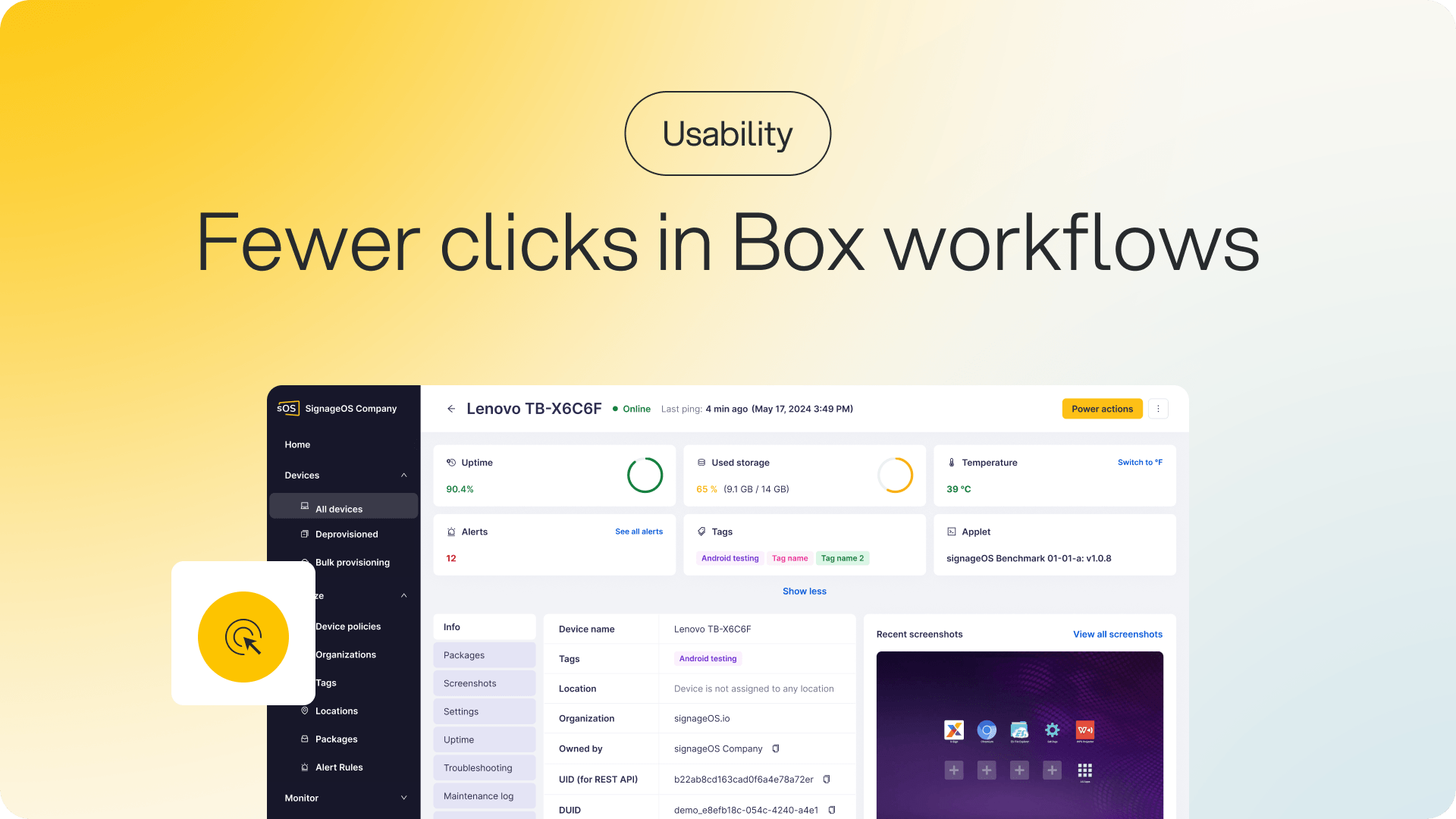
Smarter modal and drawer interactions in Box
You can now click outside any drawer or modal to close it, with no need to hunt for the X button. If you have unsaved changes, Box asks before discarding anything, and destructive actions like deprovisioning a device stay protected, so they can't be dismissed by accident.
Why it matters: Small friction adds up. This brings Box in line with how modern apps behave, making everyday workflows faster and less annoying.
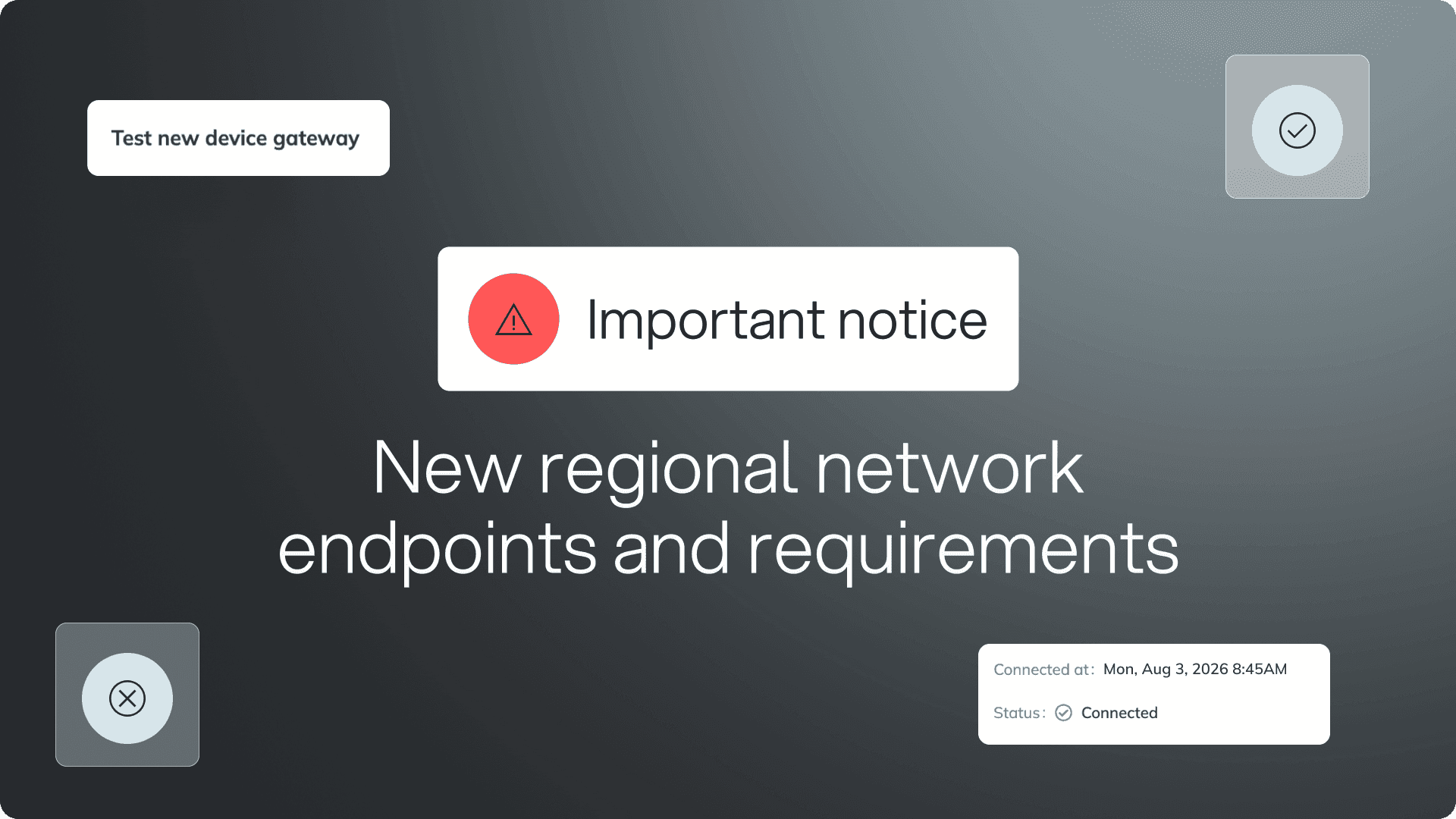
⚠️ IMPORTANT NOTICE ⚠️
New regional network endpoints and requirements
New regional device gateways are being rolled out to improve the platform's performance, reliability, and scalability.
All devices will now connect through these regional gateways. If you haven't already updated your network and firewall configuration to allow the required regional endpoints, please do so as soon as possible to avoid connectivity issues.
If you have any questions or need help preparing your environment, contact the signageOS Support team.