Product Updates

Greetings,
This issue’s product updates, at a glance:
Smart Builder through the REST API — start builds and download deployment apps from your pipeline
Build status and Lab devices in the Applets list — see where each applet stands without opening it
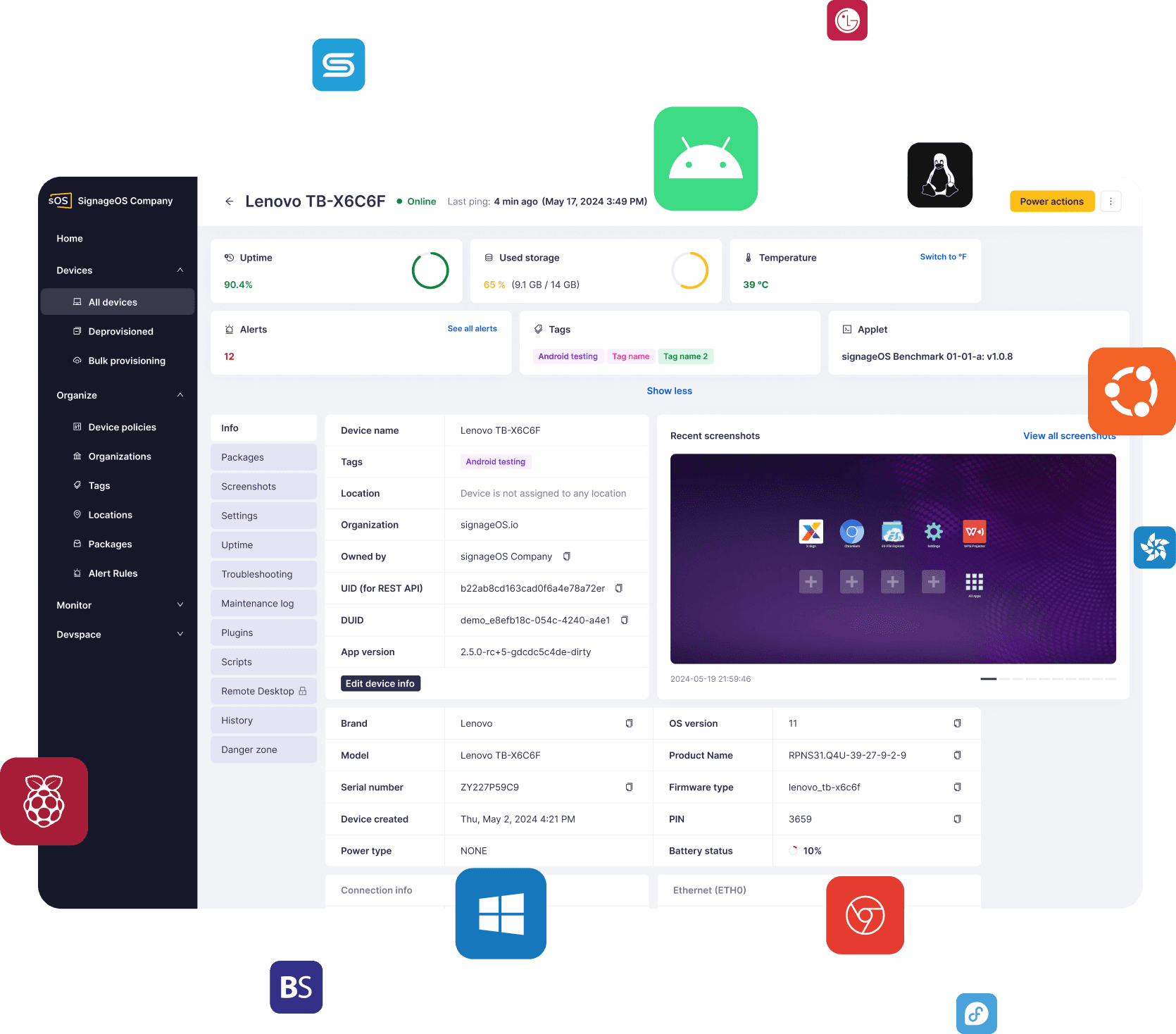
signageOS Android apps ready to install from Packages — no more uploading these APKs yourself
Security update: upgrade to CLI v4 — signageOS CLI v3 is deprecated from January 31, 2027

Run Smart Builder from your pipeline with the REST API
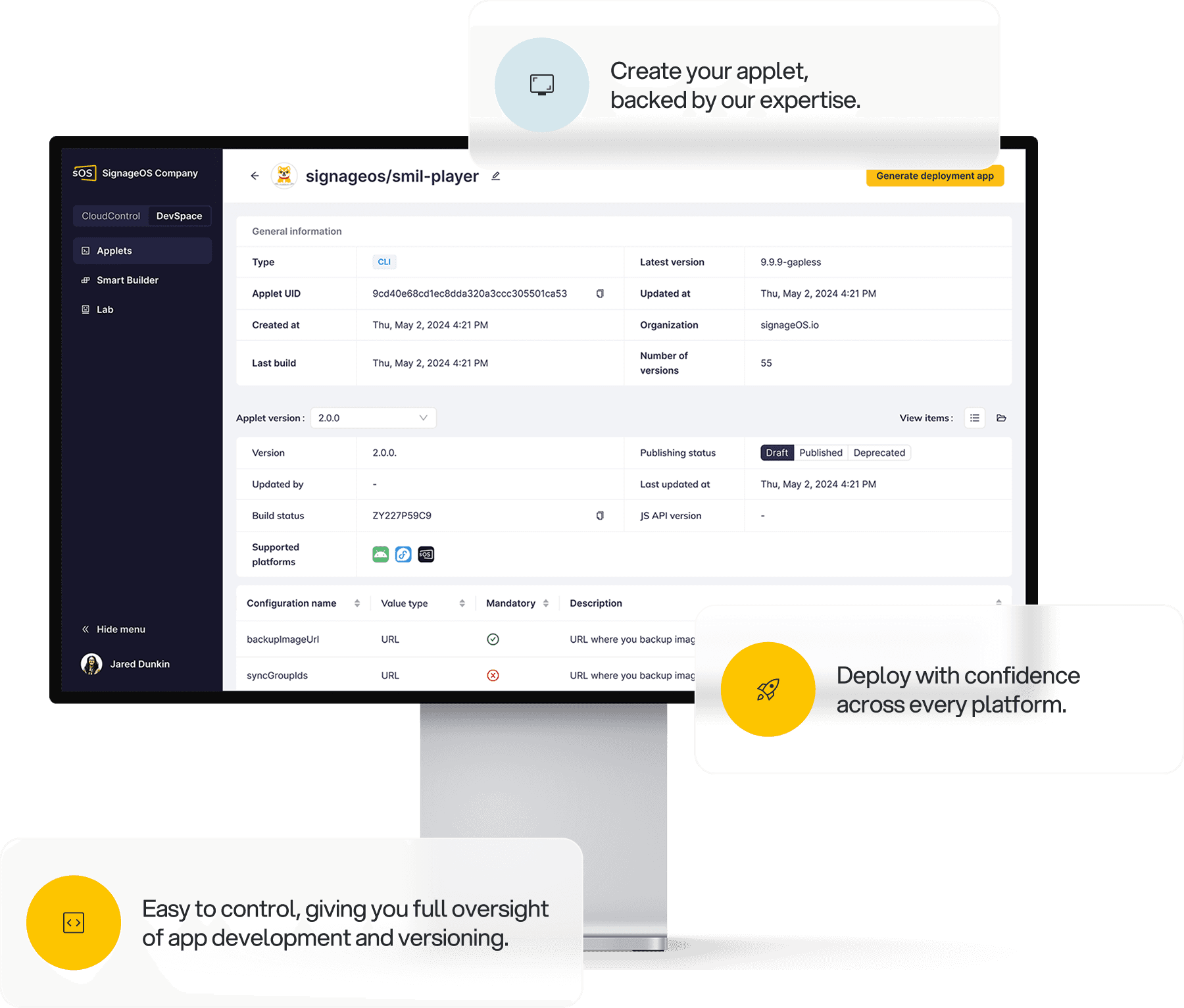
You can now run Smart Builder, the DevSpace tool that turns an applet into a ready-to-install deployment app, through the signageOS REST API as well as in Box.
What’s new:
Start a build — pick the applet version, platform and Core App version, and add your own app title and logo if your plan includes it
Download when ready — get the finished app as soon as the build is done
Track builds — list past builds, find the latest per platform and check your monthly build allowance
Why it matters: If you automate your pipelines, you can now start and follow builds from your scripts, not only from Box.
Availability: Requires DevSpace, with each target platform included in your plan.
Build deployment apps through the REST API →

See build status and Lab devices in the Applets list
The Applets list in DevSpace now shows where each applet stands without opening it. Applets that are building or have failed are summarized above the list.
What’s new:
Versions and builds — the build status of each version, and its builds for each platform
Lab devices — which ones run the applet and whether they’re online
Next steps — Retry a failed build, Rebuild for a newer Core App, or Update a Lab device
Assign to devices — assign an applet to your Lab devices from the list
Why it matters: If you build applets in DevSpace, you can check builds and Lab devices without opening each applet.

Install signageOS Android apps from Packages
Organizations with Packages can now install the Android apps that signageOS maintains as managed packages in Box.
What’s new:
Included apps — Cloud Control, the Core App, Android System WebView, the signageOS WebView and Chrome
Marked Managed — when you install package versions on a device, and in device policies
Builds that fit — signageOS publishes versions and changelogs, and by default Box shows only builds that fit the device’s Android version and architecture
Your own packages — they stay as they are, next to the managed ones
Why it matters: If you keep Android devices up to date, you no longer have to upload these APKs yourself.
Install packages on your devices →

Security update: upgrade to signageOS CLI v4 by January 31, 2027
A reminder: as part of a security update, signageOS CLI v3 is deprecated from January 31, 2027. If you use the CLI, upgrade to CLI v4 before then.
What you need to do:
Upgrade to CLI v4 — including pinned versions in projects, build images and CI/CD pipelines
Sign in again — run
sos loginfor each region and profileMove CI/CD pipelines to API tokens — keep them in your CI secret store
Test your workflows — uploading, building and device management
Using the Node.js SDK? Update it, avoid Organization.createApiV1() and test your workflow.
Why it matters: If you use the CLI in projects or CI/CD pipelines, upgrading before January 31, 2027 keeps your workflows on a supported version.